The date problem in task managers
You open your task manager. You want to add "meeting with Ana on Monday." You type the text, then you have to open a pop-up calendar, navigate to Monday, click, close the picker, and only then does the task get saved with a date.
That process, repeated dozens of times a day, costs more mental energy than it seems. It's not the click itself — it's the interruption. You step out of your train of thought to operate an interface.
Fromly works differently: you tell the central chat, the way you'd tell an assistant, and that's it.
Fromly understands what you write
When you write "meeting with Ana on Monday" in Fromly's chat, the AI automatically detects the implied date, creates the task, and classifies it into the right context. No date picker. No menu. No extra steps.
The same happens with expressions like:
- "call Pedro next Tuesday" → date set for next Tuesday
- "submit the report on Friday" → due Friday
- "review the proposal tomorrow" → date set for tomorrow
- "doctor's appointment in two weeks" → calculated from today
Fromly understands natural language and turns it into structured data. You don't need to learn any special format or cryptic keyboard shortcuts.
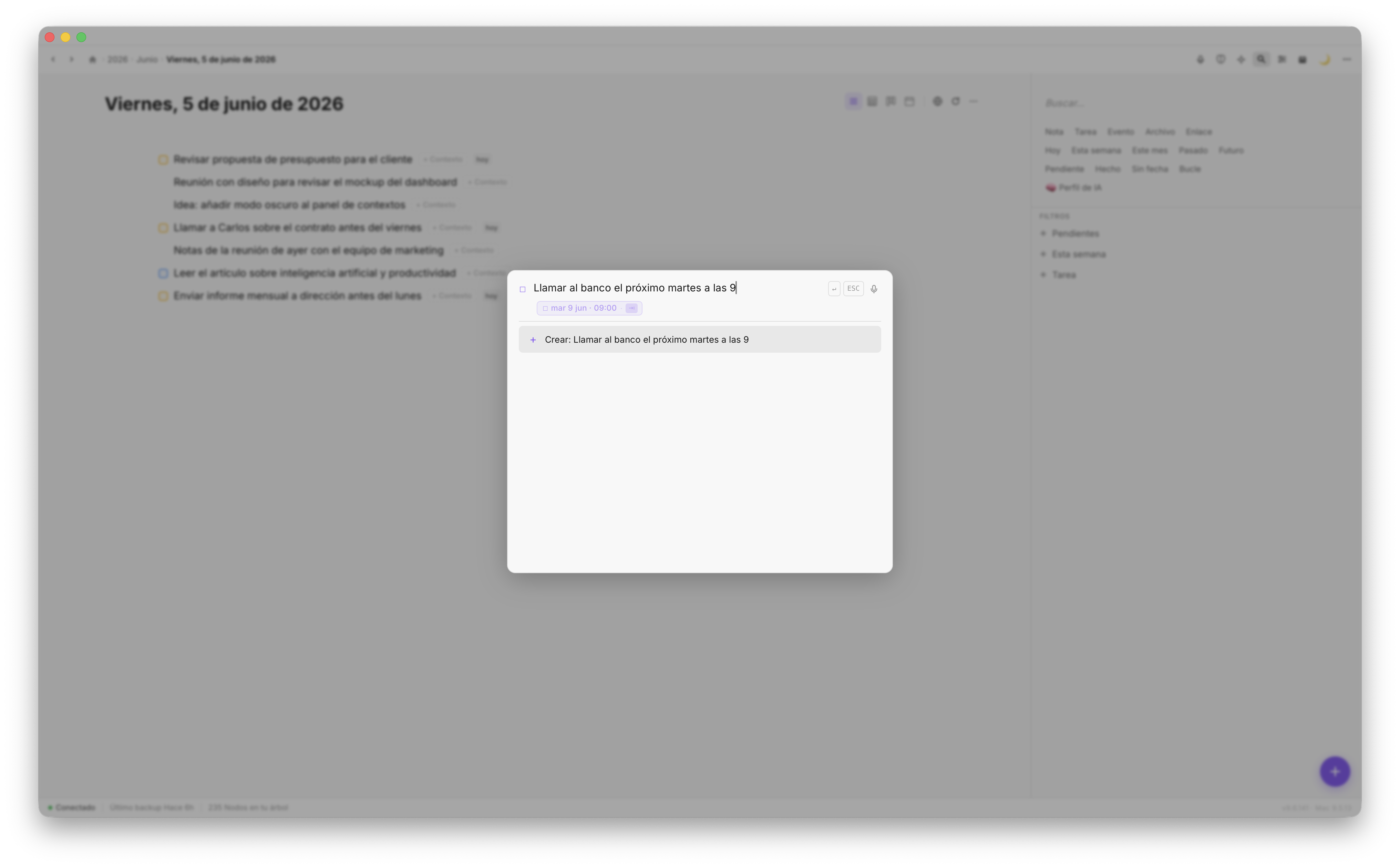
Fromly detects the date in the text and sets it without interrupting your flow
Why this changes the workflow
Friction in task capture has a real cost: when adding something is cumbersome, you simply don't add it. You rely on memory, remember too late, or end up with a messy capture system.
Fromly removes that friction at the most critical point: the moment you think of something and want to record it. You can write exactly what's on your mind, in natural language, in the same chat you use for everything else, and Fromly takes care of extracting the date, creating the task, and classifying it into its context.
Perfect capture is capture that doesn't interrupt your thinking. If you have to stop to operate an interface, you've already lost some of what you were about to write.
How it works in practice
There's nothing to configure. You write in the chat as usual, and Fromly detects time references automatically. The process is this:
- You write your task or note in natural language in the chat
- Fromly identifies the date expression in the text
- The date is set and the task classified into its context
- The task shows up in the Today tab or on the right day in the agenda
Once a task has a date, Fromly folds it automatically into the time-based views. If you said "on Monday," it'll show up in your Monday view without you having to do anything else.
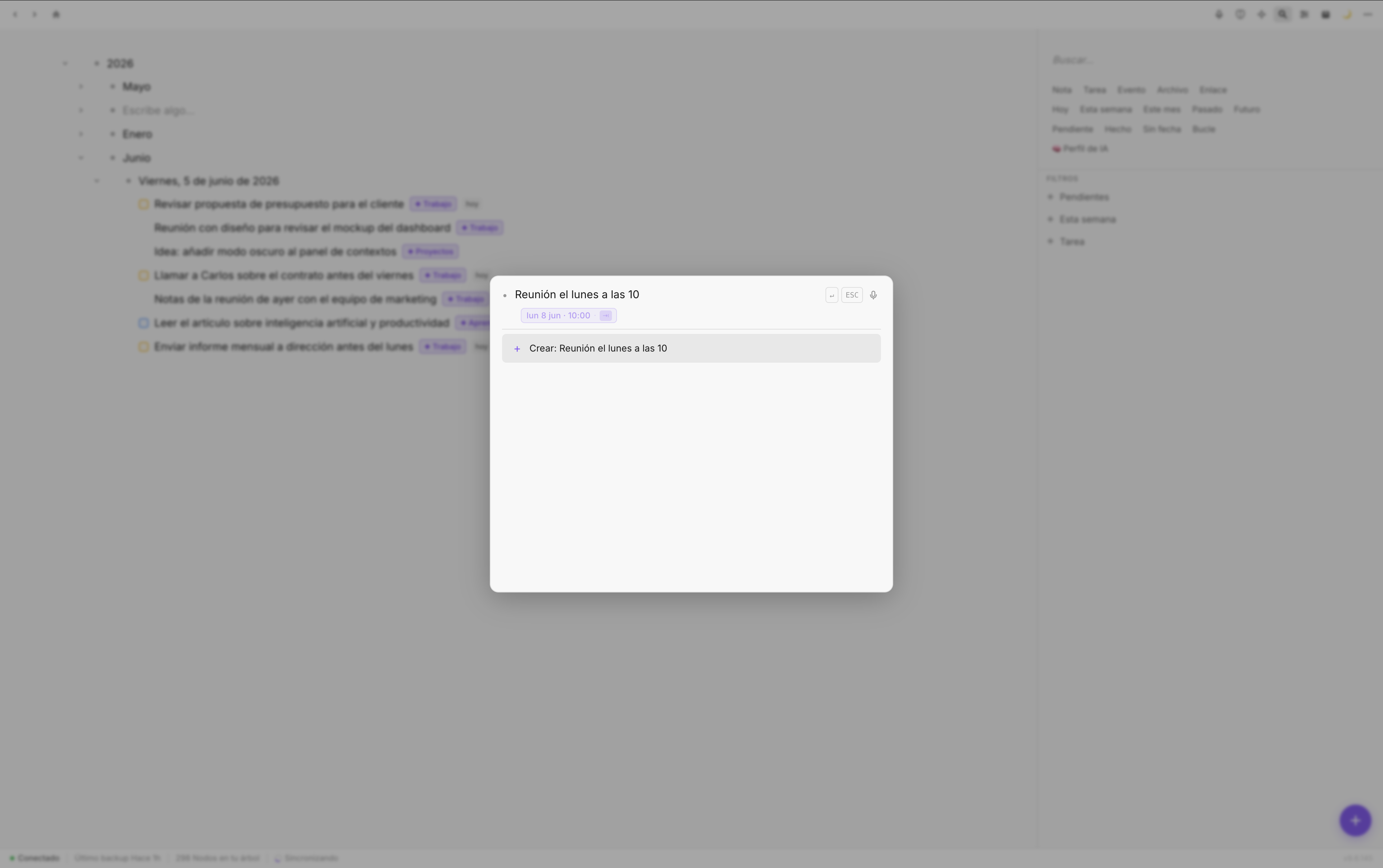
Tasks with dates show up automatically in the planner on the right day
Expressions Fromly recognizes
Fromly handles both relative and absolute dates. Some examples of what it detects:
- Days of the week: "on Monday," "next Thursday," "this Friday"
- Relative references: "tomorrow," "the day after tomorrow," "in three days"
- Weeks: "next week," "in two weeks"
- Specific dates: "June 15," "July 3"
- Periods: "end of the month," "early next week"
You don't have to memorize a list of commands. If the expression makes sense in plain English, Fromly understands it.
What you'll never have to do again
With Fromly, these everyday frictions disappear:
- Opening date pickers with your mouse
- Navigating a calendar to find the right day
- Writing the task and then going back to edit it just to add the date separately
- Using the rigid date formats stricter systems demand
The result is that capturing a task with a date is exactly as fast as writing a free-form note in the chat. There's no penalty for adding structure — and once it has a date, you can drag it straight into the Planner if you want to reorganize your day.
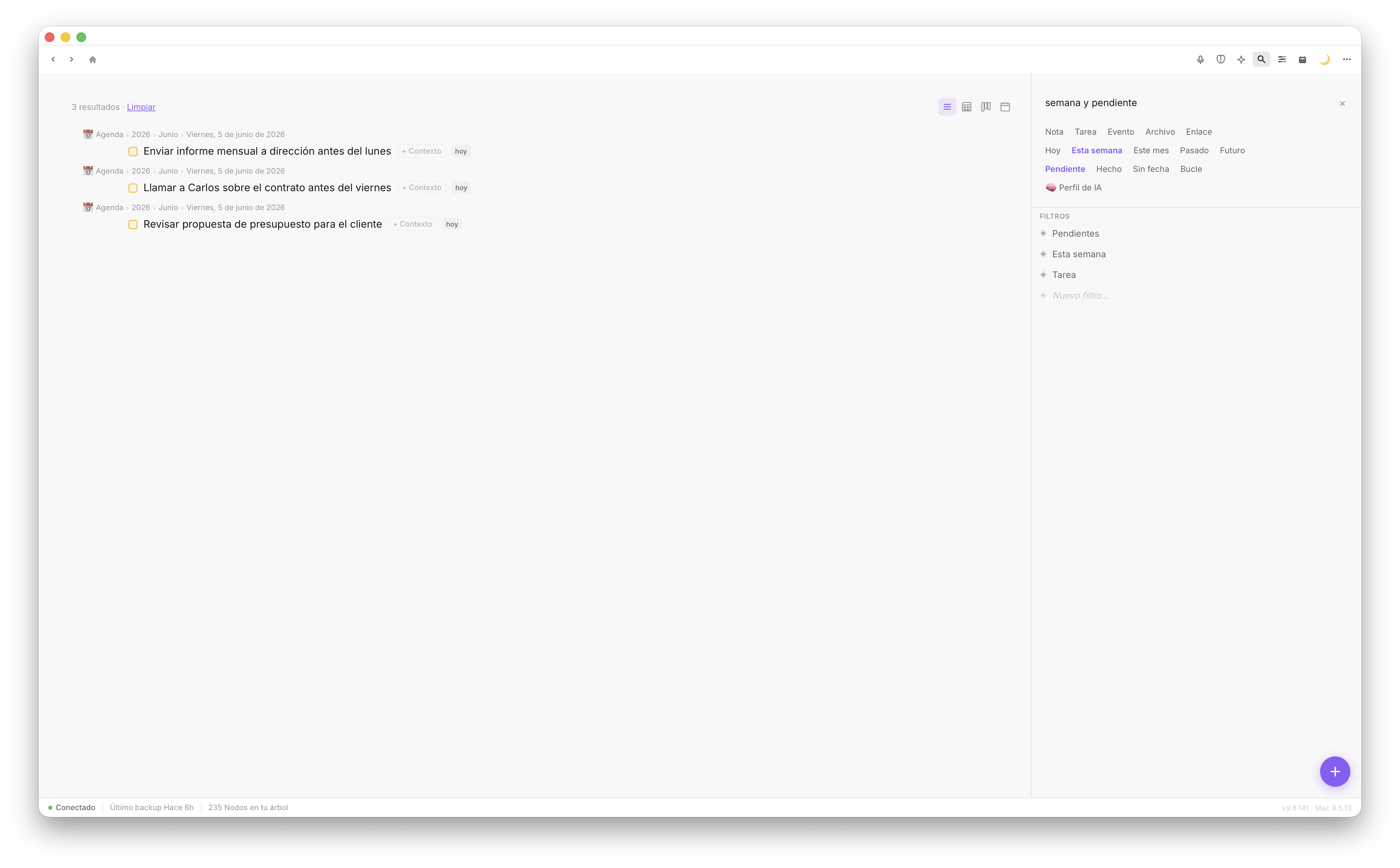
The Today tab and the Agenda automatically show tasks by their assigned date
A system that doesn't get in your way
Most productivity tools ask you to adapt how you think to their model. Fromly does the opposite: it detects the structure in what you already write naturally in the chat.
When a tool stops getting in your way, you use it more and better. Tasks get captured the moment they come up, with complete information, and they show up where they belong when the time comes.
Write the way you think. Fromly handles the rest.