The thought that disappears before you write it down
You're in the middle of something — a call, a meal, a walk — and a thought lands. An idea, a task, something you need to remember. By the time you unlock your phone, open an app, navigate to the right place, and start typing, the moment is gone. Or worse: the thought is still there, but the friction was enough to make you skip it.
This is the core problem with most productivity tools. They're designed to be opened, not to be there. Fromly is different.
Fromly lives in your menu bar. One click — or one keyboard shortcut — and whatever you're thinking lands in today's note, without touching the main app.
Why the menu bar matters
The menu bar is the one place on your Mac that's always visible, always one click away, regardless of what you're doing. Most apps treat it as an afterthought — a status icon, a toggle, nothing more. Fromly treats it as a first-class capture surface.
When you click the Fromly icon in your menu bar, a compact input appears. You type. You press Enter. Done. Your thought is now in today's note, timestamped, ready to be found later. You didn't switch windows. You didn't interrupt your flow. You didn't lose context.
This isn't just about speed — it's about reducing the decision cost of capturing. When the barrier is low enough, you capture more. When you capture more, fewer things fall through the cracks.
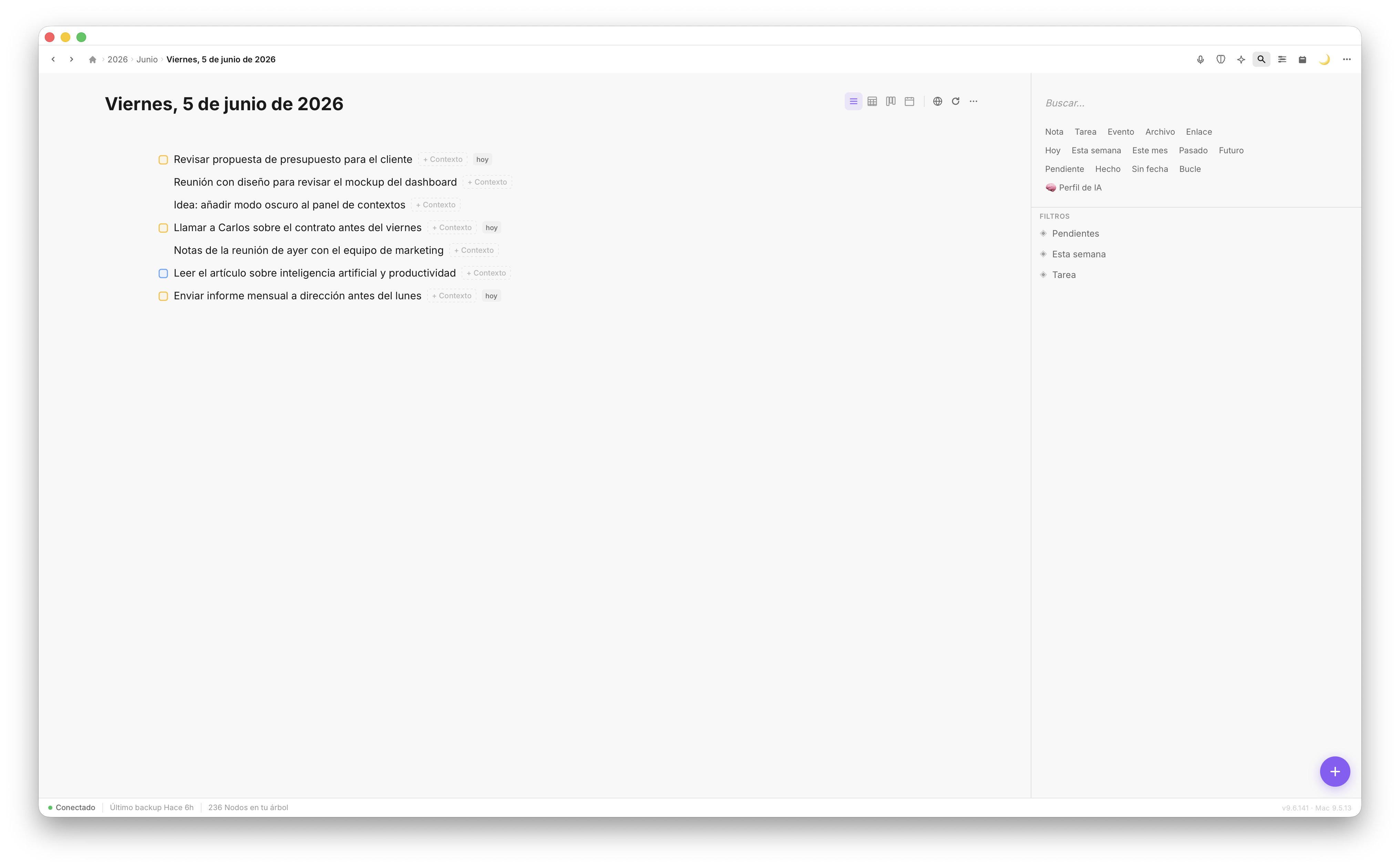
Everything you capture from the menu bar lands in today's note — structured, timestamped, ready.
How Fromly handles what you type
The interesting part isn't just the speed of capture — it's what Fromly does with what you write.
When you drop a task into the menu bar input, Fromly doesn't just dump text into a note. It understands the structure of what you're writing. If you type something that looks like a task, it behaves like a task. If you write a note, it stays a note. If you include a date, Fromly picks it up and places the item accordingly.
This is what separates Fromly from generic quick-capture tools. You don't need to tag, categorize, or route your input manually. Fromly reads what you write and knows where it belongs.
- Tasks surface in your planner and pending filters automatically
- Notes stay in today's entry, searchable and linked to your timeline
- Ideas with dates get placed in the right moment without you having to open a calendar
The keyboard shortcut flow
For power users, the menu bar click is already fast. The keyboard shortcut is faster. You can trigger the quick capture panel from anywhere on your Mac without touching your mouse. The sequence is:
- Press the global shortcut (configurable in Fromly preferences)
- The capture panel appears, focused and ready
- Type what you need to capture
- Press Enter — done
- Continue whatever you were doing
The whole interaction takes under five seconds. Fromly disappears back to the menu bar and you're exactly where you were before.
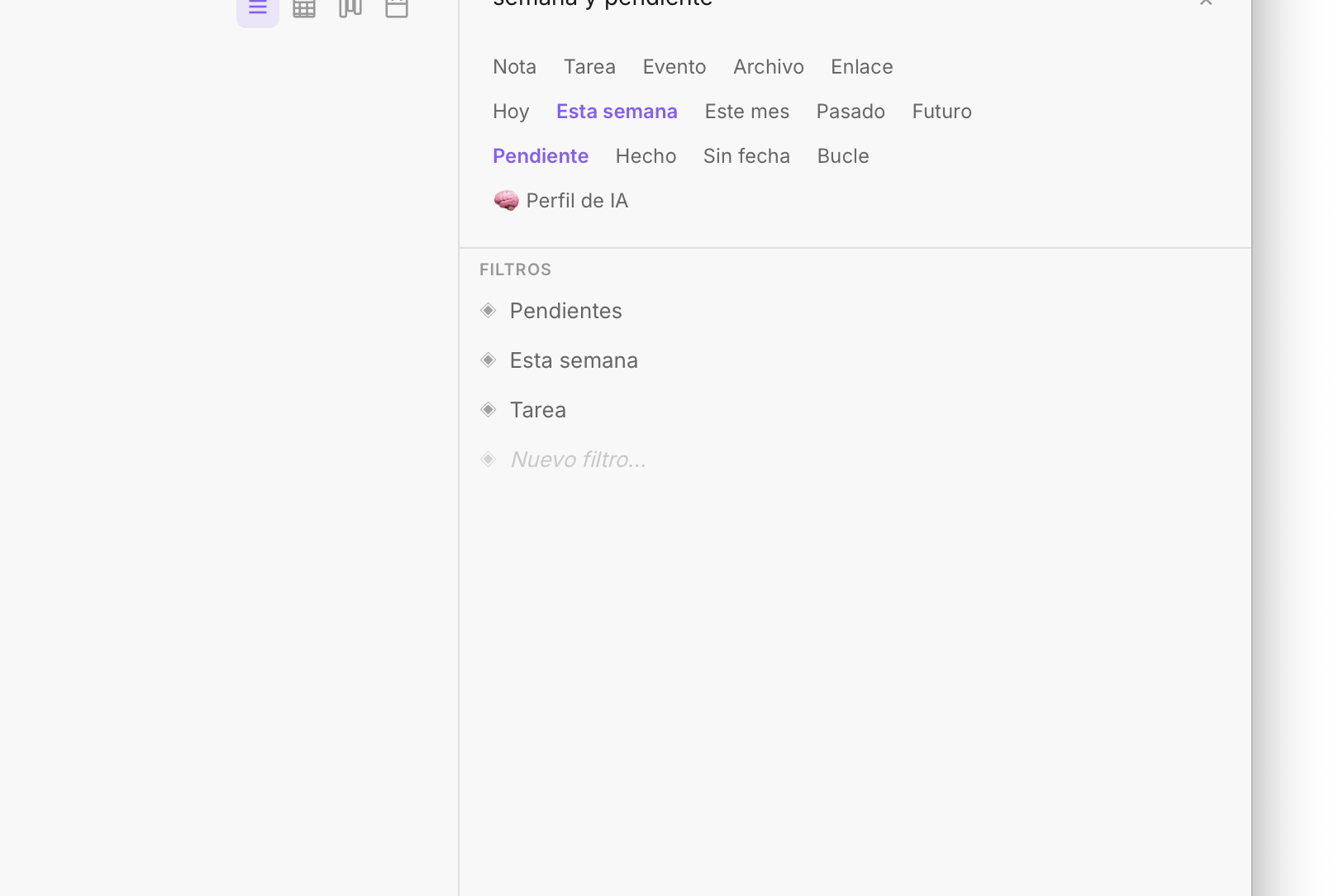
Fromly's sidebar keeps your shortcuts and structure always accessible — built for low-friction navigation.
What goes into today's note
Everything captured from the menu bar flows into the daily note for today. This is intentional. Fromly is built around the idea that your day has a natural container — today's note — and everything you capture in the present belongs there first.
Later, when you open Fromly, you'll find your captures already waiting. They're not buried in a generic inbox. They're in today's note, in the order you captured them, with the structure Fromly inferred from your writing.
You don't have to process captures separately. Fromly already did the first pass. Your job is just to act on them.
Real use cases
Here's where menu bar capture actually changes behavior:
- During calls: Someone mentions a deliverable. You capture it instantly without switching to another app or losing the thread of the conversation.
- While browsing: You find something worth remembering. One shortcut, one line, back to the article.
- Morning thoughts: You're not at your desk yet. A quick tap on the menu bar icon and the idea is safe before it evaporates.
- Between tasks: You finish something and a related thought surfaces. Capture it now, process it later.
In each case, the key is that you didn't have to decide where to put it. You just put it. Fromly handled the rest.
Capture now, organize never
The productivity trap most people fall into is building elaborate systems that require constant maintenance. Every capture needs to be tagged, filed, and reviewed. The overhead becomes the job.
Fromly's approach is the opposite: capture with zero friction, let the structure emerge from what you write, and trust that today's note is always the right starting point. The menu bar isn't a workaround — it's the front door.
If you're losing thoughts between the moment they appear and the moment you could act on them, the menu bar quick capture is the fix. Open Fromly once, set your shortcut, and from that point on, nothing gets lost.