Most productivity systems fail at the same point: the moment between having a thought and writing it down. You're in a meeting, something comes up, and you have to decide — which app, which list, which project? By the time you've figured that out, the thought is gone or the moment has passed.
Fromly is a central chat where you write in natural language, and that same idea runs your day: everything goes to today's note first, and Fromly organizes it after. The Today tab keeps your day's agenda within reach, ready to drag straight into the planner. One place. No decisions. Fromly figures out the rest.
The real problem with scattered capture
The typical knowledge worker juggles tasks in one app, calendar in another, notes in a third, and ideas in whatever's closest — a Slack message to yourself, a sticky note, a voice memo. The result isn't a system. It's friction at every step.
You don't just lose information this way. You lose the connections between pieces of information. A task without its context is just noise. A meeting note disconnected from the project it belongs to is an island. Over time, your tools stop helping you think and start competing for your attention.
The daily note isn't a new concept — but Fromly makes it work differently. It's not a blank page you have to organize. It's a place Fromly actively reads, understands, and routes for you.
How Fromly's daily note actually works
When you open Fromly each morning, today's note is ready. You write freely — tasks, meeting summaries, ideas, reminders, questions. No formatting required, no tags to assign, no folder to choose.
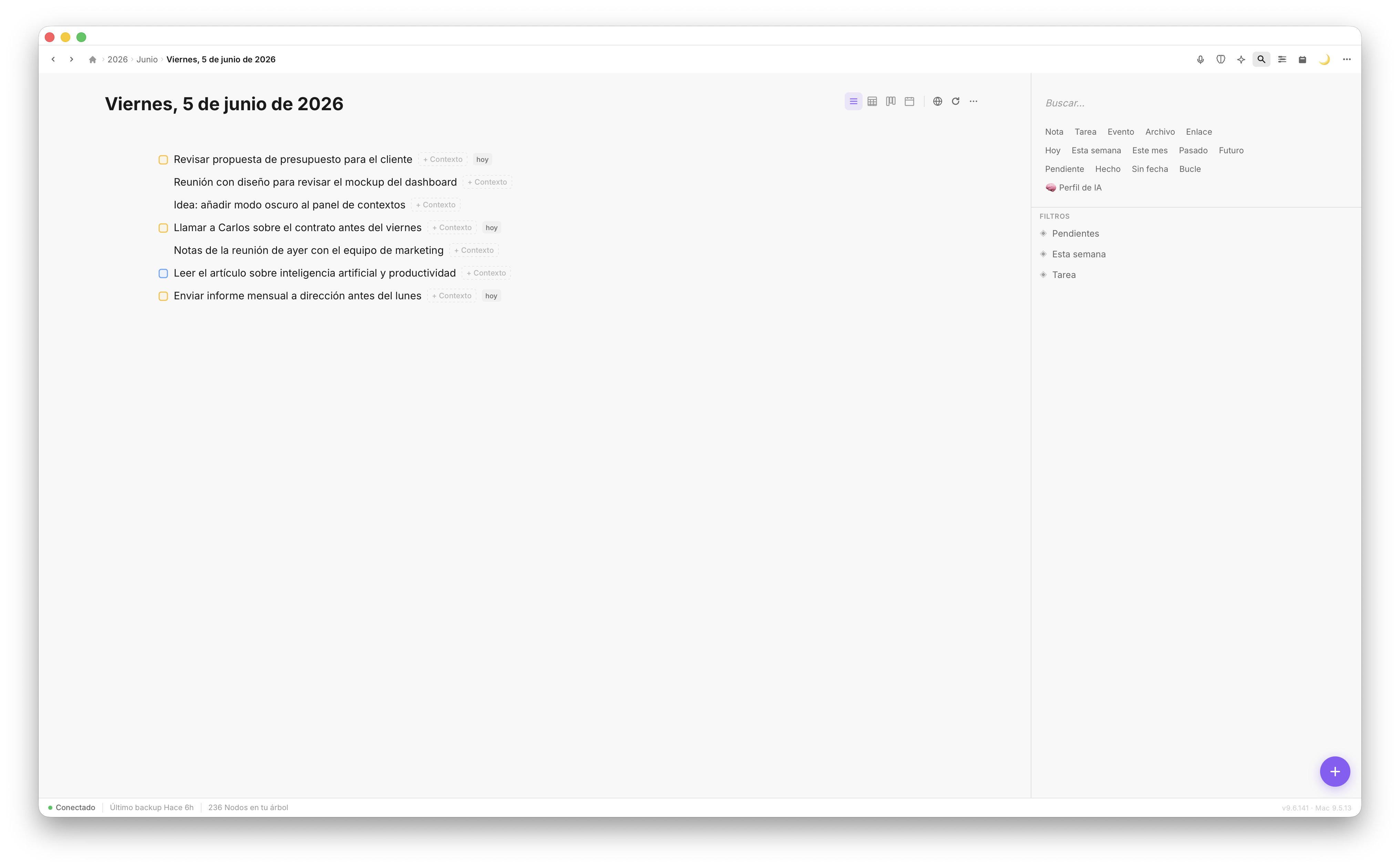
Today's note: everything in one place, ready from the moment you open Fromly.
As you write, Fromly understands what you're capturing. It detects that "call Sara before Thursday" is a task with a deadline. It recognizes that "Q3 review — main takeaways:" followed by bullet points is meeting content. It knows "idea for the onboarding flow" belongs to a product context, not your personal errands list.
This isn't keyword matching. Fromly reads the structure and meaning of what you write, and it routes each item to the right context — automatically, in the background, without breaking your flow.
Everything lands where it belongs
Here's what this looks like in practice:
- You write "dentist appointment, next Tuesday 10am" — it appears in your calendar view.
- You jot "finish the proposal draft" — it shows up under the relevant project as a pending task.
- You drop a quick note about a decision made in a meeting — Fromly links it to that meeting's context.
- You capture an idea you want to revisit — it stays accessible without cluttering your task list.
You write once. Fromly places everything correctly. When you switch from capture mode to execution mode — reviewing your tasks, checking your calendar, working inside a project — everything is already where you'd expect it.
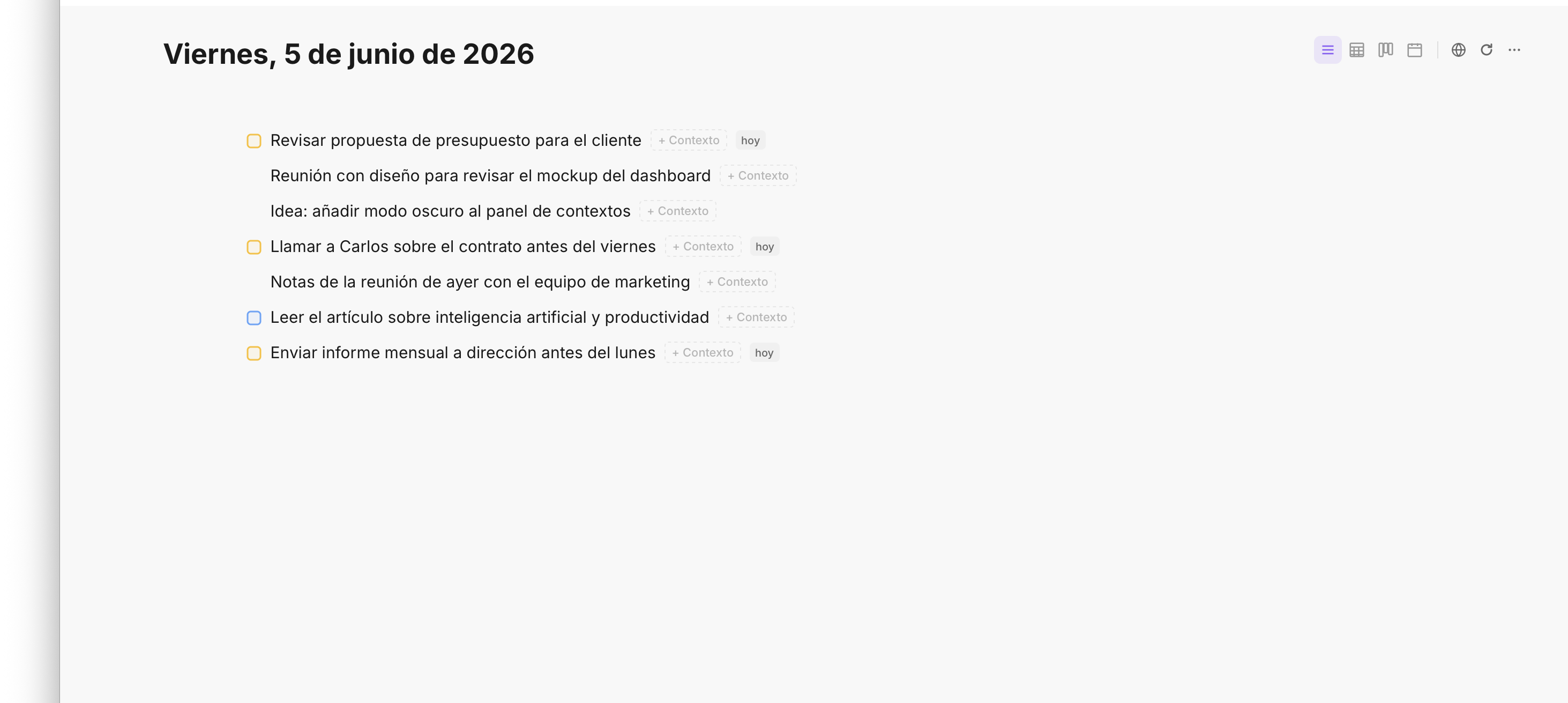
Tasks captured in the daily note surface automatically in the right context — no manual filing.
The structure you never had to build
Most outliners and note-taking tools give you a blank canvas and expect you to impose structure. That works for some people some of the time. But structure has a cost — you have to maintain it, and maintaining it takes energy away from actual thinking.
Fromly's approach is the opposite. The structure exists, and it's maintained for you. Your contexts — projects, areas, recurring topics — are always there. The daily note feeds into them. You don't build a system; you use one that's already working.
This matters especially for the kind of information that doesn't fit neatly anywhere: a passing thought, a half-formed idea, something you heard in a conversation. In most tools, these get lost because the friction of filing them is higher than their immediate value. In Fromly, they go into today's note and get handled.
How to get the most out of it
The daily note works best when you stop overthinking and start writing. A few practical habits that work well with Fromly:
- Open today's note first, not your task list. Start by dumping whatever's in your head. Let Fromly sort it.
- Write in complete thoughts. "Call the supplier about the delay" is more useful than "supplier." Fromly understands language, not just keywords.
- Use it during meetings. Write what matters as it happens. Fromly connects it to the right project without you stopping to file it.
- Review at end of day. Check what was captured, confirm what's pending, close out the day in one place.
There's no special syntax to learn. You don't need to tag tasks with symbols or prefix meetings with codes. Write the way you think, and Fromly keeps up.
One note, whole day
The goal of a daily note isn't to write everything down. It's to eliminate the decision cost of where to write things down. Fromly takes that cost to zero — you write once, in one place, and your entire information landscape updates accordingly. That's the kind of tool that doesn't just help you be organized; it helps you think more clearly, because the overhead is gone.