Apple Notes works. Until it doesn't.
For years, Apple Notes has been the obvious choice for iPhone and Mac users. It's built in, it's fast, it syncs without a hitch, and it costs nothing. For the first few weeks, it's perfect.
The problem shows up after months of use. When you have 200 notes, 40 lists tangled together, tasks you're not sure you finished, ideas you can't find, and meetings you jotted down somewhere but can't remember where. Apple Notes isn't a system. It's a drawer.
And drawers, once they're full, stop being useful.
The folder ceiling
Apple Notes gives you folders. You can sort your notes into categories: Work, Personal, Projects, Ideas. It seems like enough at first.
But the truth is thinking doesn't work in folders. A single meeting can produce a task, a resource, and an idea at the same time. Where does it go? Do you create three notes? Or one long note you'll never find again?
With Apple Notes, you end up doing one of two things: creating endless unstructured notes, or spending more time organizing than working. Neither one is real productivity.
The problem isn't that Apple Notes is bad. It's that it's built to store things, not to understand them. Once you need a system that knows what you write, a native notes app isn't enough anymore.
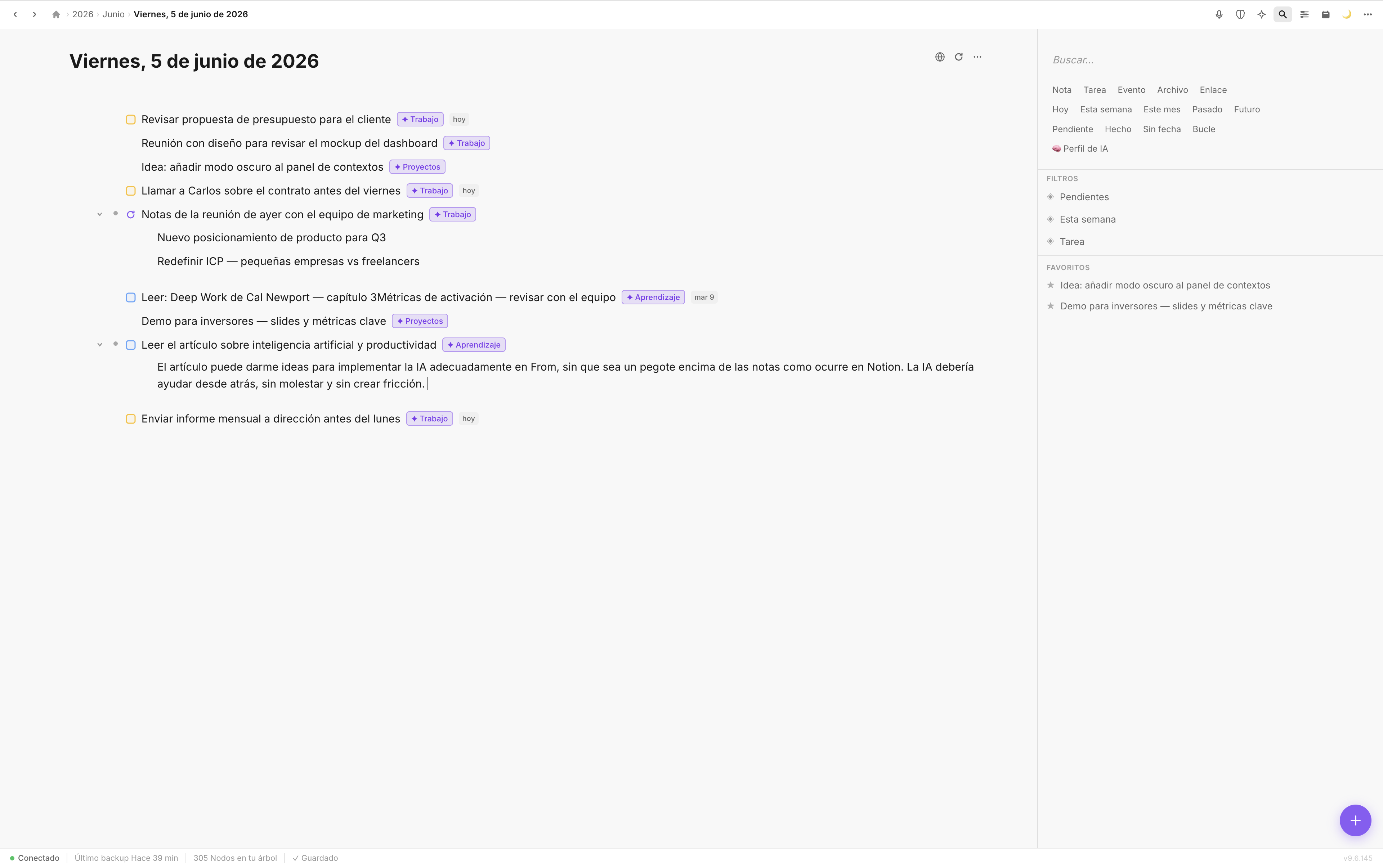
In Fromly, every note, task, or event lives in a clear context — no endless folders, no orphaned notes.
How Fromly understands what you write
Fromly isn't a notes app with more features bolted on. It's a chat-first second brain: you write in natural language in the central chat, and the AI understands exactly what you just wrote.
Write "call Miguel tomorrow" and Fromly recognizes it as a task with a date. Ask it "summarize my day" and it answers with what you already have saved. Open the app in the morning and it already knows what day it is and shows you what's on for today.
You don't tag, categorize, or move anything. You say it the way you'd say it to a colleague, and Fromly does it.
A concrete example
Imagine you have a meeting with your team on Monday. In Apple Notes, you'd write a block of text with the agenda, next steps, and a few links. That note would then get buried among fifty others.
In Fromly, you tell the chat what came out of the meeting and the AI creates the tasks with dates, files them under the right project context, and updates what Fromly knows about that project. When Monday comes around, Fromly already knows the meeting is today and reminds you.
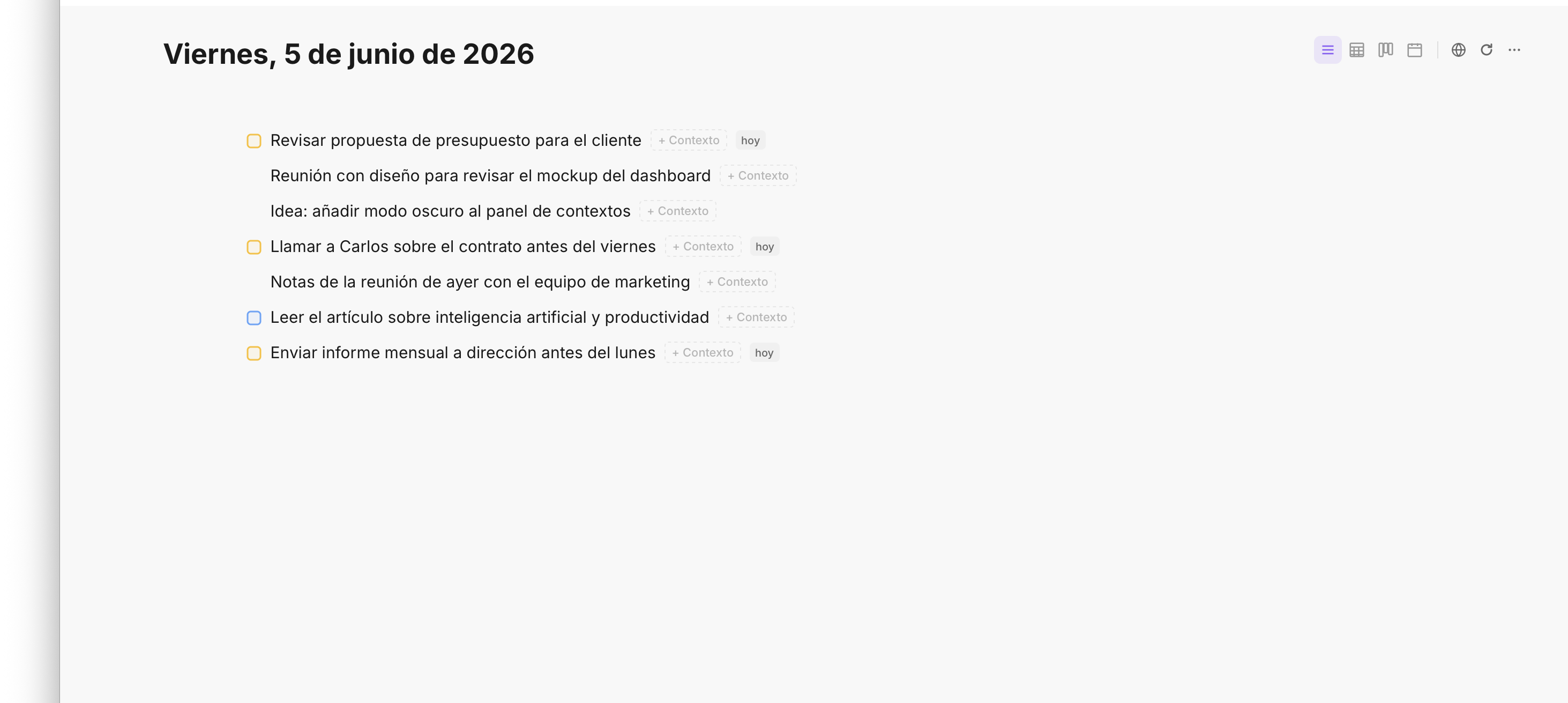
Tasks are detected automatically from what you write or dictate. No tags, no setup.
What Fromly does that Apple Notes never will
- Understands what you write: detects tasks, events, notes, and files automatically, with nothing to configure.
- Contexts that update themselves: every Area or Project builds its own memory ("What Fromly knows") as you save things there.
- Smart filters: see only this week's pending tasks, or only the files for one project, without building manual views.
- A chat that knows your notes: ask it something about what you've saved and it answers. Ask it to draft an email based on what you've written and it does. Without leaving the app.
- Daily planner: every morning you get a view of what's on today, synced with Google Calendar. Not a chaotic list — exactly what you need to see.
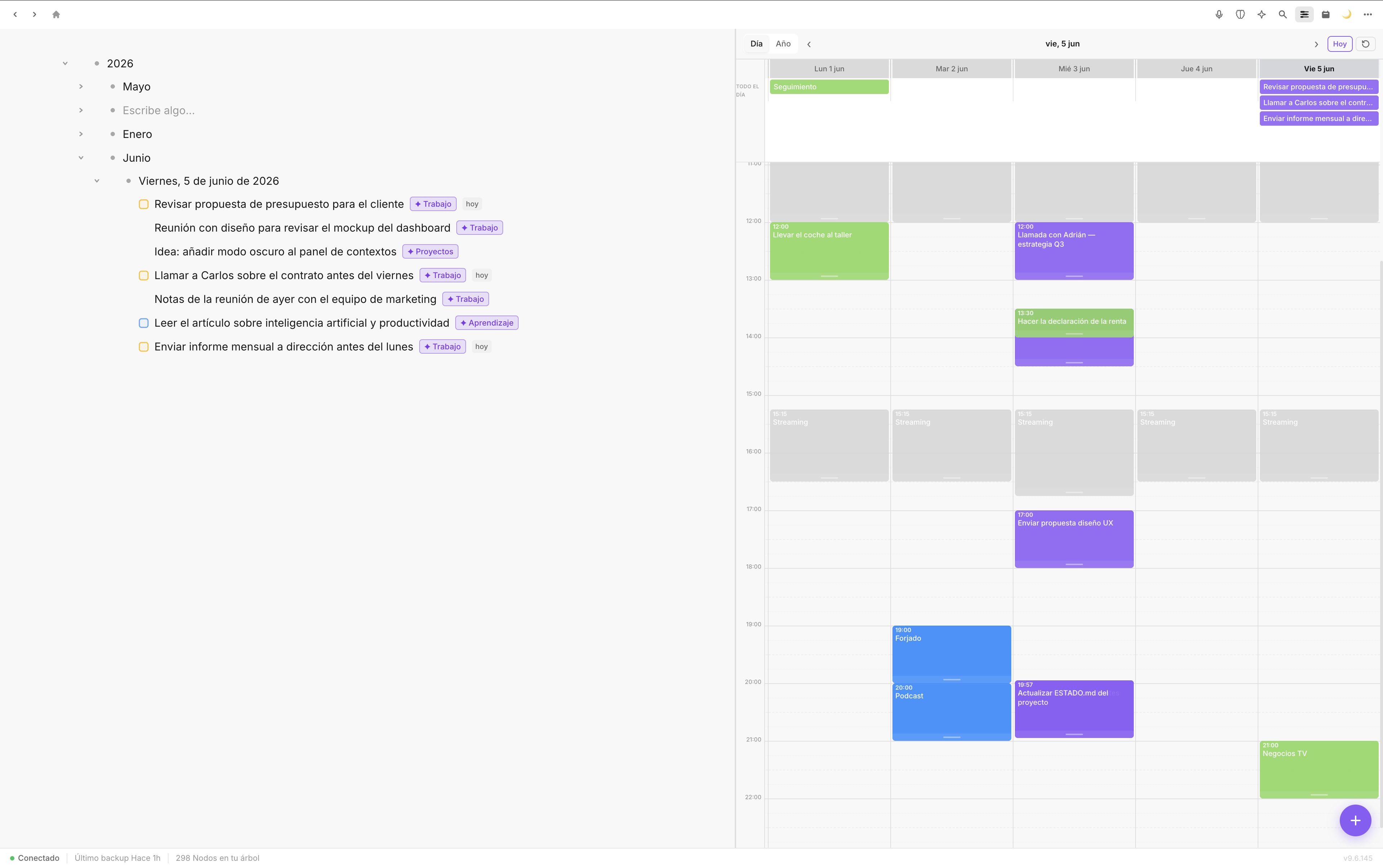
The planner shows only what's relevant today, with no noise.
How to switch from Apple Notes
You don't need to migrate everything in one afternoon. You can start gradually:
- Start with your active tasks. Tell the chat what you have in Apple Notes, as-is. From the first moment you'll see how it detects and organizes them.
- Create one context per active project. No folders, no crossed tags. One named Area or Project, with everything related to it inside.
- Use today's note. Fromly generates a daily note automatically. Write what you're doing throughout the day there. By the end of the week, you'll have an effortless log.
- Let the chat help you. When you can't find something, ask it. When you need to summarize a batch of notes, ask it to. No complicated prompts required.
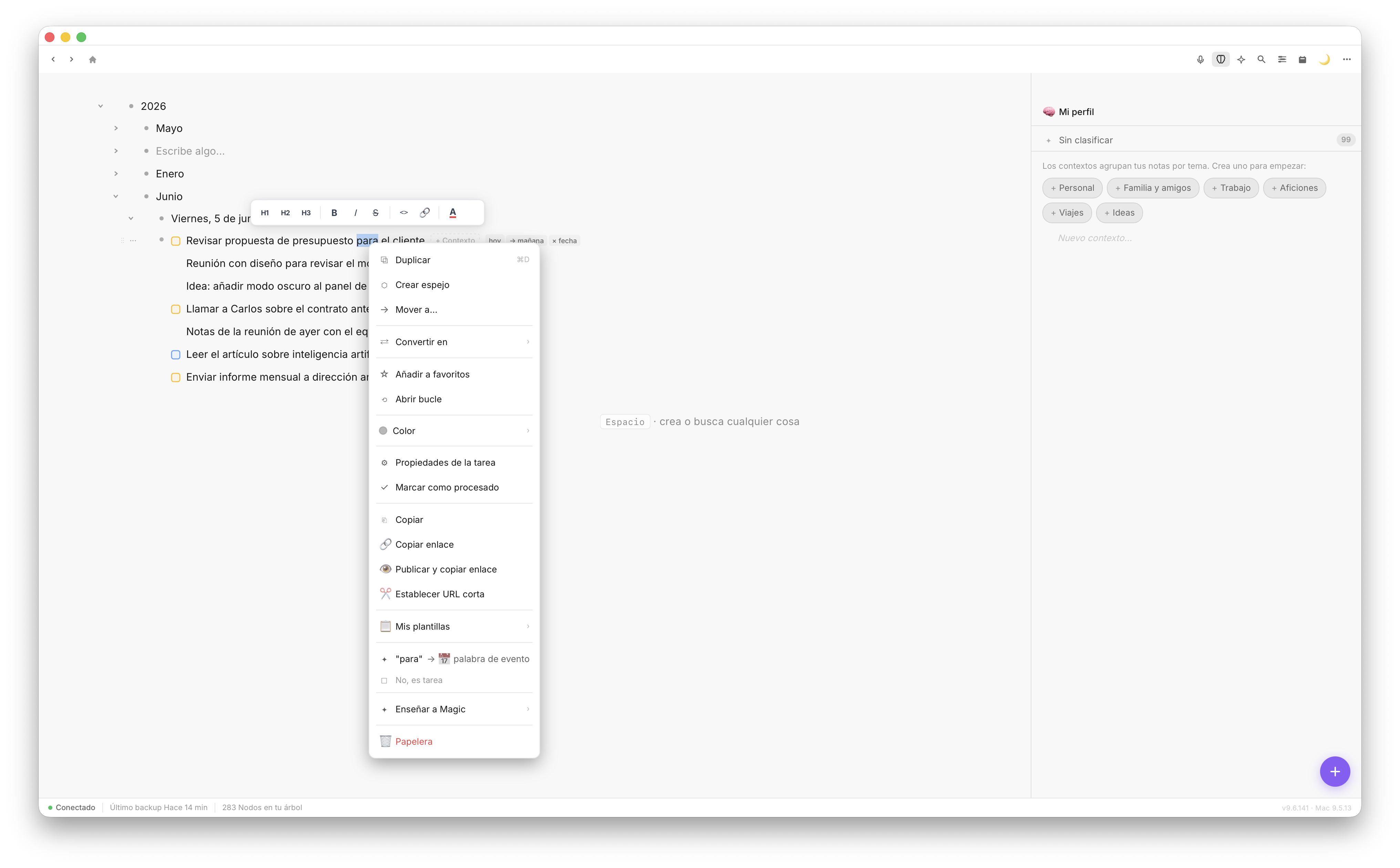
The chat knows your notes and answers with real context, not generic replies.
Apple Notes for the simple stuff, Fromly for what matters
This isn't about abandoning Apple Notes forever. If you need to jot down a phone number or save a quick photo, it's still useful. But when your note-taking system is also your work system, you need something that understands what you're doing.
Fromly doesn't ask you to change how you think. It adapts to how you already write. And when you have hundreds of notes and active projects, that makes all the difference.