The problem of capturing ideas without losing focus
You have Raycast open to find an app, run a command, or do a quick calculation. Suddenly, something comes to mind that you need to write down: a task, an idea for a project, the title of an article. The usual flow is to open Fromly, navigate to where you want to write, and by then... you've already lost the thread of what you were doing.
The Fromly extension for Raycast removes that jump. Capture, search, and open today's note without leaving your keyboard and without switching context.
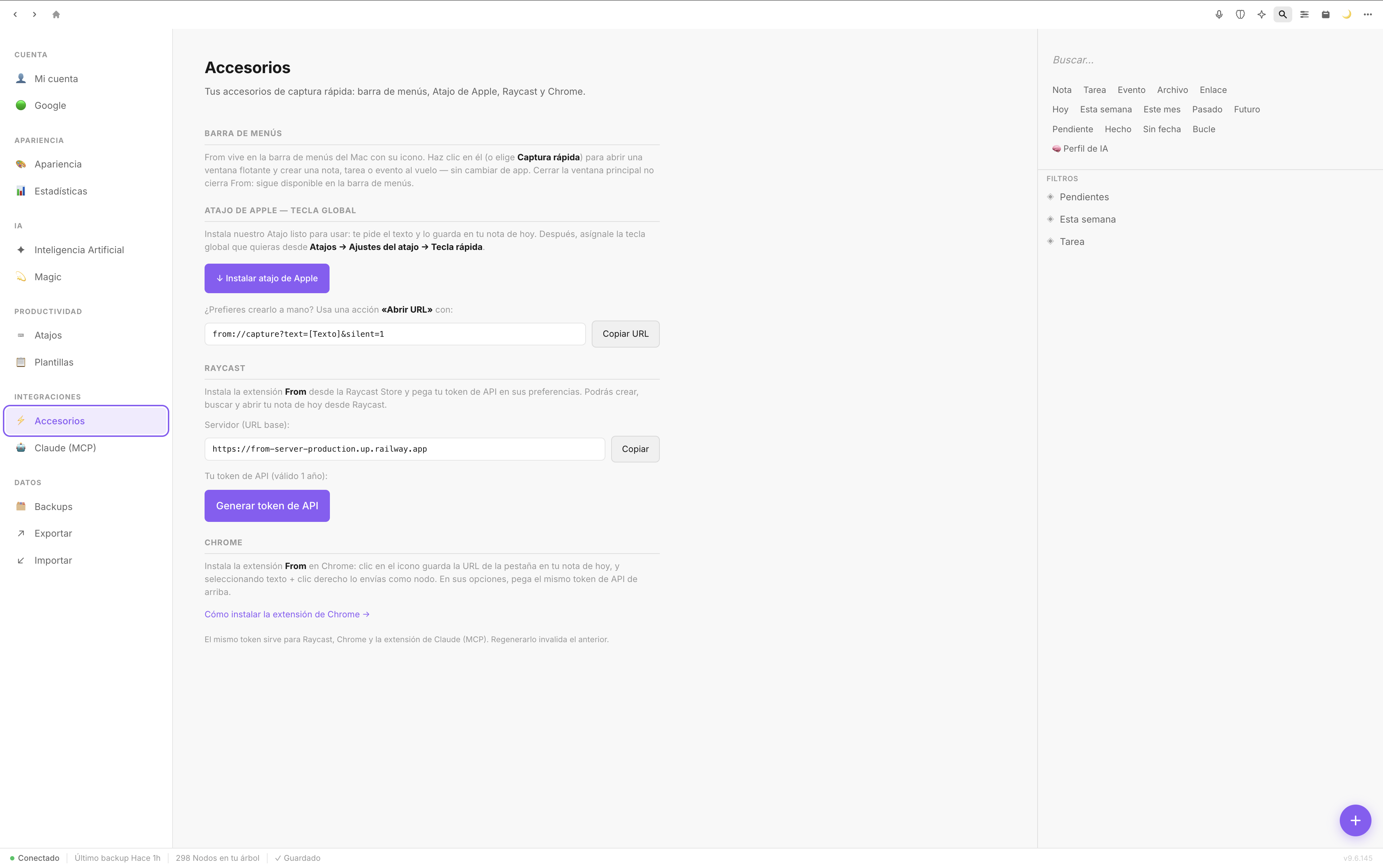
From anywhere in your workflow, Fromly is one shortcut away.
What the Fromly extension for Raycast does
The extension connects Raycast directly to Fromly and exposes three core commands:
- Create quick entry: write anything, and Fromly decides if it's a note, a task, or an event.
- Search Fromly: find any note, task, or event without opening the app.
- Open today's note: jump straight to today's daily note in one step.
The core of all this is that Fromly understands what you write. You don't have to indicate the type of content or navigate to any section. You write "meeting with Jota on Friday at 11" and Fromly logs it as an event. You write "review the Media Sector proposal" and it becomes a task. You write a paragraph of reflection and it's saved as a note. No menus, no type selection, no friction.
How it works in practice
Imagine you're in Raycast looking for an app. You suddenly remember you need to prep something for tomorrow. You trigger the Fromly extension, type what's on your mind, and hit Enter. Fromly classifies it and links it to the right context. You go right back to what you were doing.
Another common case: you want to pick up today's note without opening the app and navigating to the diary. With the Raycast command, today's note appears directly. If you've already jotted things down, you see them instantly. If you want to add something, you do, and go back to your flow.
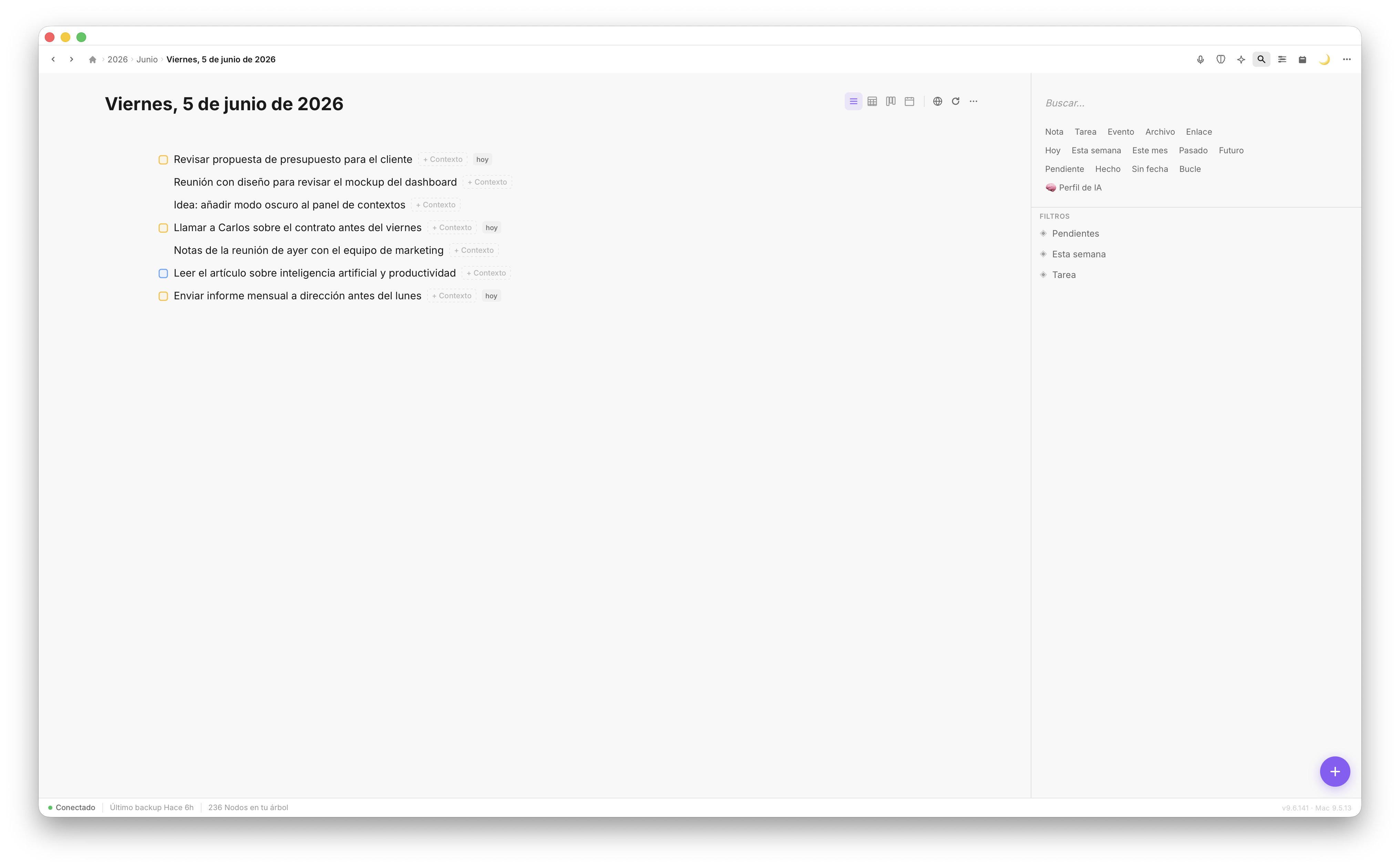
Today's note gathers everything that happens during the day: tasks, ideas, events, and reflections in one place.
Why it matters that Fromly tells types apart
Most quick-capture tools save everything as plain text. Useful so you don't lose the idea, but useless for retrieving it later in the right context. A task mixed in with text notes doesn't show up in your pending list. An event written as text never reaches your planner.
Fromly solves this from the very first moment. When you capture something from Raycast, you're not stashing text in a drawer. You're creating a real item, with the right type, in the right context. That means:
- Tasks show up in your pending filters, in Elements.
- Events land on your Agenda and in the Planner.
- Notes get filed into the context they belong to, and its memory updates on its own.
Fromly isn't an inbox you have to process later. It's direct capture to the right place, with no intermediate step.
How to install and set up the extension
The process is straightforward:
- Open the Raycast Store and search for "Fromly".
- Install the official extension.
- The extension automatically detects the Fromly app installed on your Mac.
- Assign your preferred keyboard shortcuts to each command from Raycast's preferences.
Once set up, the flow is completely transparent. Raycast calls Fromly, Fromly processes the input, and the result appears already classified in the right context — nothing else required from you.
Searching Fromly from Raycast
The search command deserves its own mention. Fromly indexes everything you save: notes, tasks, events, files. From Raycast you can search anything by text or natural language, and open the result directly in the app. It's especially useful when you're juggling several active projects, or you just want to find something fast without remembering which context you saved it in.
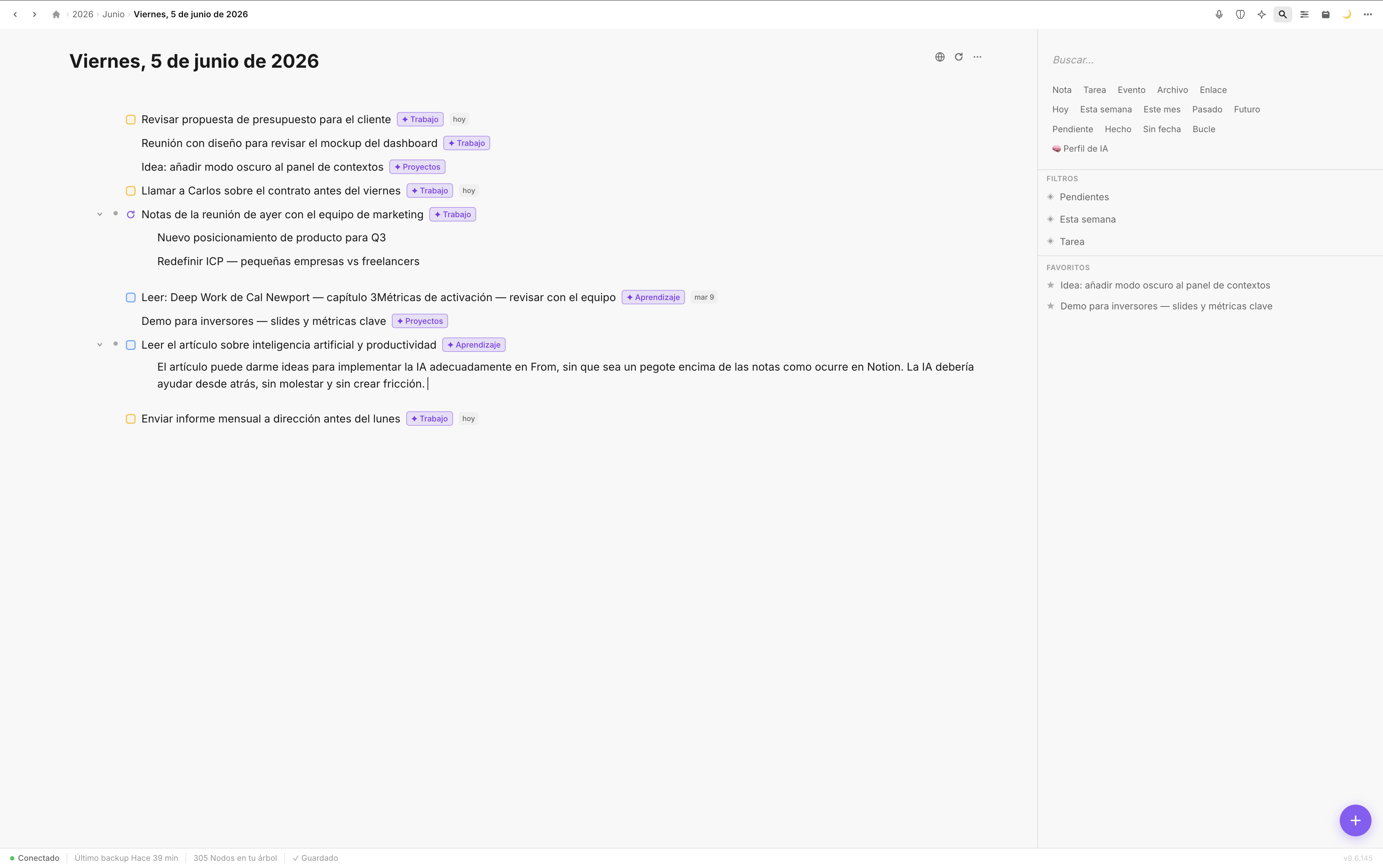
Every result shows its context. Search from Raycast takes you exactly where you need to go, instantly.
Who this makes the most sense for
If you already use Raycast as your Mac's command center, the Fromly extension is the natural complement. It adds no friction, doesn't interrupt your flow, and makes use of something you already have open at all times. The result is a system where capturing and retrieving information takes less than two seconds, without leaving your keyboard.
If you manage projects, ideas, and commitments through Fromly, the extension turns Raycast into the universal entry point: one keystroke to write anything, and Fromly takes care of the rest.
Conclusion
The Fromly extension for Raycast isn't just another shortcut. It's intelligent capture that understands what you write and puts it exactly where it belongs, without interrupting your workflow. Three commands, zero friction, and a system that's always up to date.