Your second brain, with a chat at the center
Fromly is a chat-first personal second brain: the main way to use it is to type in natural language into a chat that's always at the center of the screen — not navigate a bullet tree or an infinite canvas trying to remember where you wrote something. On the left, your contexts — Work, Personal, your active projects. In the center, the chat. On the right, what Fromly knows about each topic.
You've spent weeks saving notes, tasks, and meetings in Fromly. And then the moment comes when you need something specific: what did you decide about the payment provider? What was the price you agreed with that client? Where did you save that important link?
With most tools, that means opening a search box, typing a word, scrolling through twenty results that aren't what you're looking for, and losing three minutes browsing folders. With Fromly, it means typing the question into the chat and getting the answer.
Fromly's chat doesn't search for keywords. It understands what you're asking and answers with the exact note you saved, citing it.
The problem with classic search
Text search looks for literal matches. If you wrote "meeting with vendor" and now you're asking "what did I agree with the payment provider?", search doesn't connect those concepts. You know what you're looking for. The tool doesn't.
The result is that you end up doing the work twice: once when you capture the information, and again when you try to retrieve it. And in that second moment, you lose the thread, the time, and sometimes the information itself.
Fromly works differently.
The chat: ask like you're talking to someone who's read all your notes
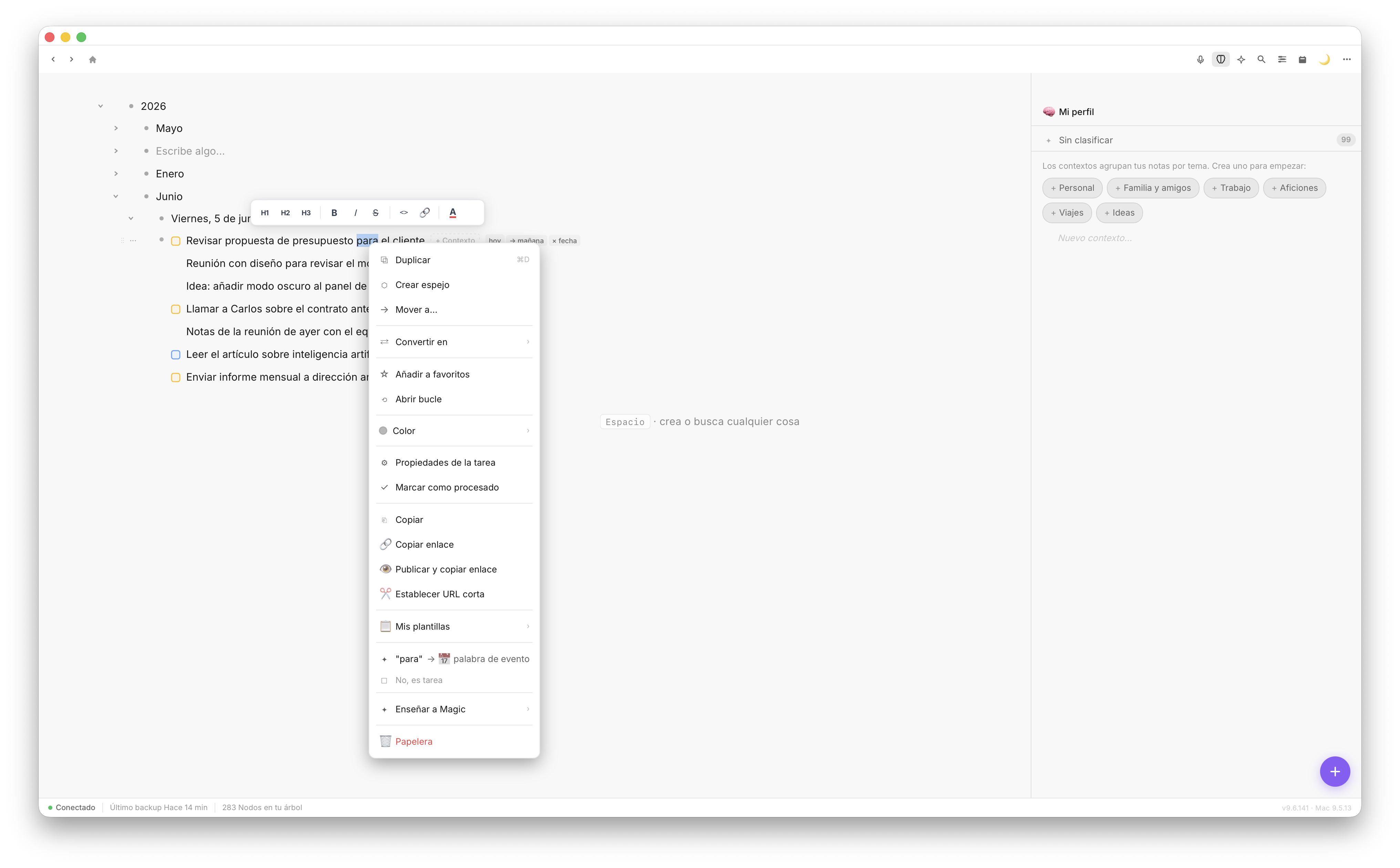
Fromly's central chat answers with the exact note, citing where it came from.
The chat is Fromly's central piece, not a side panel or an add-on. It has direct access to everything you've saved — notes, tasks, events, PDFs, past conversations — organized by context. It's not a generic assistant improvising answers. It's a reader that knows your content and hands it back to you when you need it.
The flow is simple:
- You type your question into the chat, which is always right there, at the center of the screen.
- Fromly locates the relevant note or task inside your context.
- It answers with the exact information, citing where it came from — not a free interpretation.
The critical difference is that Fromly doesn't hallucinate. If the information is saved, it shows it to you. If it isn't, it tells you. It doesn't make anything up.
Concrete examples of what you can ask
The real value is easier to grasp with actual cases:
- "What did I decide about project X?" — Fromly locates the note where you made that decision, not a list of related results.
- "What are my pending tasks this week?" — Fromly cross-references your contexts and groups what's open over the next few days.
- "What did I say about the marketing budget?" — It returns the exact text where you wrote it down, even if you don't remember which context you saved it in.
- "What's still pending with that client?" — It pulls together every reference to that client scattered across your contexts.
You don't need to remember where you saved it. You just need to know what you're looking for.
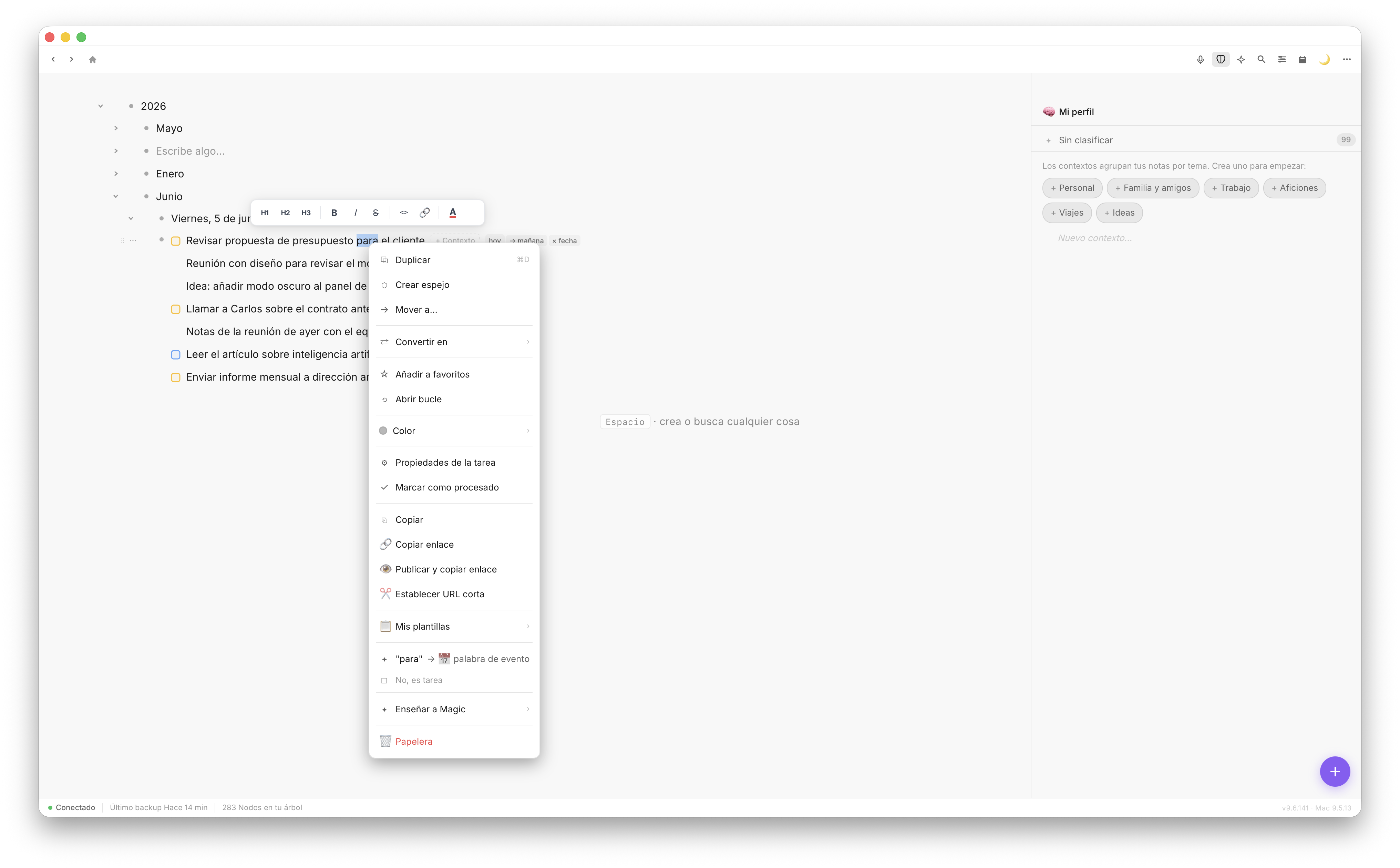
Type in natural language. Fromly interprets the intent, not just the words.
How it works under the hood
Fromly automatically indexes everything you upload or write — notes, tasks, PDFs, voice transcriptions — with real semantic search, not just text matching. When you ask something, Fromly understands the intent and cross-references it against that indexed content.
This means you can ask in your own words, not the exact words you used when you wrote the note. Fromly connects both ends: what you wrote back then and what you remember now.
Contexts as living memory
Every context in Fromly — a project, an area of your life — builds up its own memory: a document Fromly calls "What Fromly knows" that updates itself automatically every time you save something relevant there. The chat relies on that memory to give you precise answers, not approximations.
When you ask "what did I decide about project X?", Fromly doesn't improvise. It searches that context, finds the note where the decision lives, and hands it back to you. No guessing.
How to get the most out of it from day one
For the chat to work well, the key is capturing with intent. You don't need to be meticulous, but you do need to be consistent:
- Use specific notes for decisions: "Decided: we'll use Stripe as the payment gateway."
- Name projects and clients consistently within each context.
- Capture context along with the data: not just "meeting postponed" but "meeting with Carlos postponed to the week of the 15th."
With that foundation, the chat becomes something very concrete: the colleague who read everything you've saved and can answer you in seconds.
The result
Fromly doesn't help you remember more. It helps you retrieve what you already know, exactly when you need it, without friction. If you capture with intent, the chat gives that information back in seconds, citing the exact source, with no hallucinations and no irrelevant results. Your second brain stops being an archive and becomes a conversation.