You write a note at 9 AM. You work through the morning. By noon, the app crashes, your subscription lapses, or you simply decide to switch tools. How much of that morning's work survives?
With most productivity apps, the honest answer is: you don't know. Your data lives in some proprietary format on a remote server you don't control. If the service disappears, your notes go with it.
Fromly was built on a different assumption: your notes belong to you, always — not just when you're a paying customer.
The problem with cloud-only note apps
The productivity app market is full of tools that store your data in opaque formats, behind paywalls, with no clear export path. You build years of knowledge inside them, and then you're stuck. Switching costs are artificially high — not because your data is complex, but because the format is locked.
There's a secondary problem too: cloud sync can fail silently. A conflict here, a missed sync there. You don't notice until you open a note on your phone and half of it is missing.
These aren't edge cases. They're the everyday reality of tools that prioritize retention over reliability.
Fromly runs automatic local backups every 2 hours. No setup required. No cloud dependency. Your notes are saved to plain Markdown files on your own machine — readable by any text editor on the planet.
How Fromly's backup system works
Every 2 hours, Fromly silently writes a full backup of your notes to a local folder in Markdown format. This happens in the background, without interrupting your work, without asking for confirmation.
The result is a folder of plain .md files — your notes, your tasks, your daily entries — structured and readable without Fromly installed. Open them in Obsidian, Notion, Bear, iA Writer, or a basic text editor. They're yours.
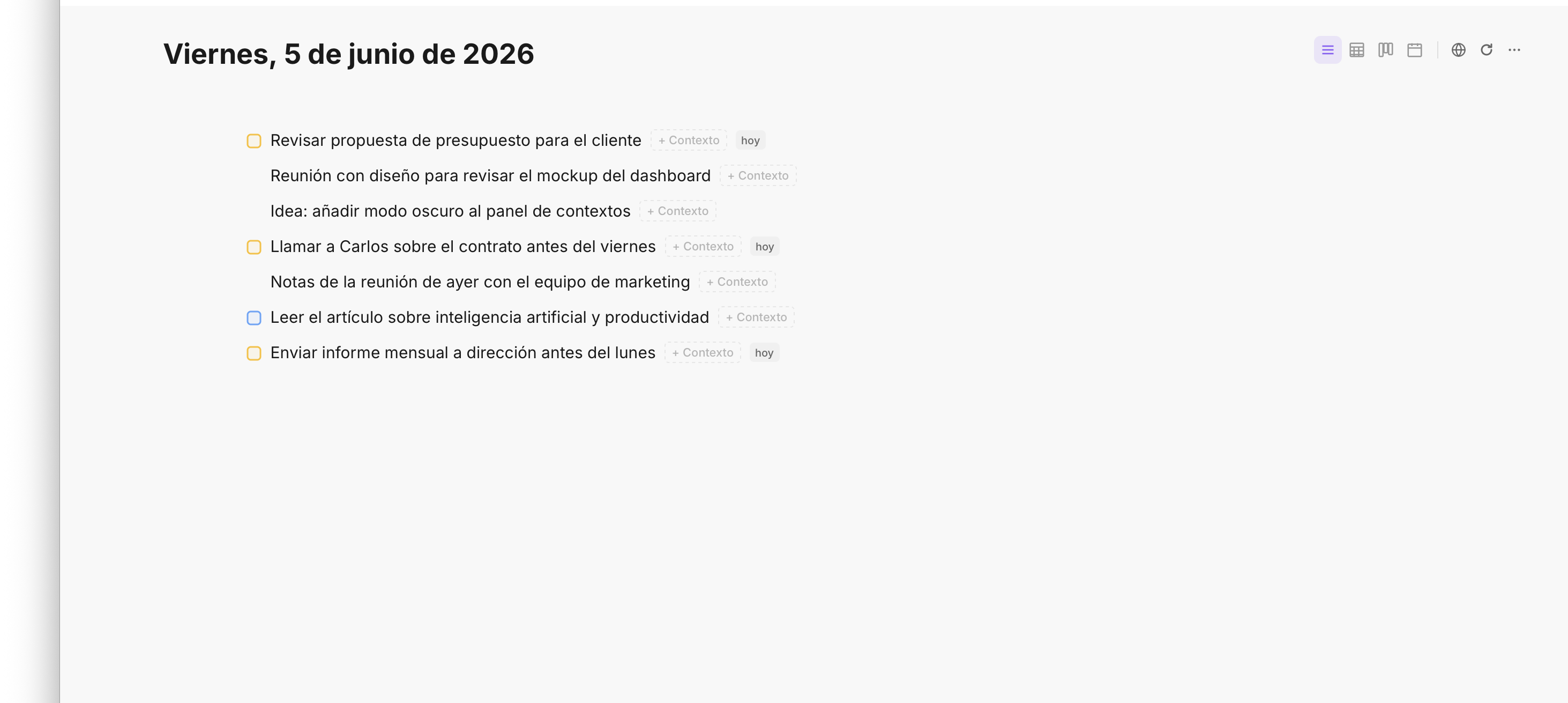
Your notes and tasks in Fromly — backed up locally every 2 hours in plain Markdown.
This approach solves two problems at once:
- Data loss from app failures. If Fromly crashes or your device loses power, you're at most 2 hours behind — not months.
- Vendor lock-in. Because backups are plain Markdown, you can leave Fromly at any moment without losing access to your work history.
Zero lock-in is a feature, not a marketing line
Most apps say they support export. What they mean is: buried in settings, there's a button that generates a zip file of questionable completeness, in a format that doesn't map cleanly to anything else.
Fromly's approach is different. The backup isn't a one-time export — it's an ongoing, automatic process. Every 2 hours, without action on your part, your data exists in a format that any tool can read.
If you cancel your Fromly subscription today, your Markdown files don't disappear. They're already on your machine. You already have them.
Zero lock-in means: the decision to stay with Fromly is always yours to make freely, without fear of losing years of work.
Your daily notes, always safe
Fromly's daily note system — where you capture what's happening today, what you're thinking, what you need to do — is one of the most-used features. It's also one of the most personal. Losing a day's worth of capture is frustrating in a way that's hard to recover from.
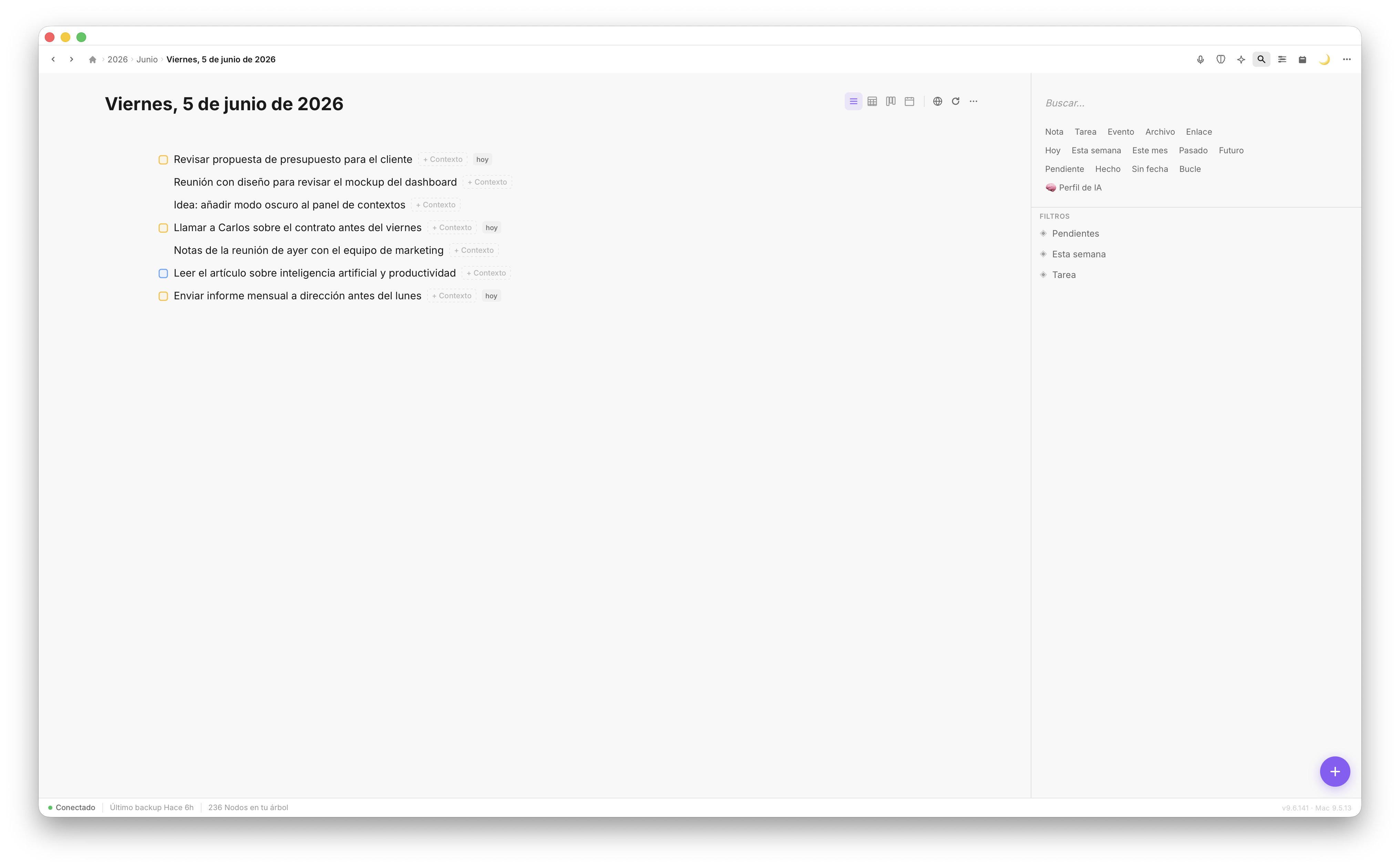
Today's note in Fromly — every daily entry is included in the automatic local backup.
With automatic backups running every 2 hours, your daily notes are protected throughout the day. Even if something goes wrong at 5 PM, your 3 PM snapshot is already sitting safely on your disk.
How to make sure your backups are running
Fromly handles this automatically from the moment you install the Mac app. But there are a few things worth knowing:
- Check your backup folder location. Fromly saves backups to a configurable local path. Open Settings to confirm where files are being written.
- Back up your backup folder. If you use Time Machine or any local backup tool, make sure it covers the Fromly backup folder. This gives you a complete historical archive.
- Spot-check occasionally. Once a month, open your backup folder and confirm recent files are there. It takes 30 seconds and removes all doubt.
What Markdown backup actually means for your workflow
Markdown is a nearly universal format. It's human-readable without any software at all — open a .md file in any text editor and you'll see exactly what's in it. Headings, lists, tasks, links — all visible as plain text.
This means your Fromly backup isn't just a safety net. It's a portable archive of your thinking, your projects, your daily notes — in a format that will be readable in 20 years regardless of what happens to any particular app.
That's a fundamentally different promise than "we store your data in the cloud."
Conclusion
Automatic local backup every 2 hours isn't a premium feature or a technical footnote — it's a baseline commitment to treating your data with respect. Fromly backs up silently, continuously, and in a format that gives you complete independence. Start using Fromly knowing that your notes are yours from day one, no matter what happens next.