The cost of switching apps to write something down
You're in the middle of a meeting, a browser tab, or a conversation — and a thought hits. A task, an idea, a note you need to keep. The usual move: switch apps, find your notes tool, tap or click into the right place, then write. By the time you're ready, the thought is already fading.
This isn't a discipline problem. It's a friction problem. Every extra step between the thought and the capture is a chance for it to disappear. The solution isn't to be faster — it's to make the gap disappear entirely.
Fromly solves this with a global shortcut. One key, from any app, anywhere on your Mac. Your thought lands in Fromly before your brain moves on.
The best capture system is the one you actually use. And you use the one that gets out of your way fastest.
What Apple Shortcuts makes possible
Apple's Shortcuts app on macOS is underused by most people. But it has one capability that changes everything for quick capture: it can trigger a specific URL scheme from a global keyboard shortcut — no matter what app is in focus.
Fromly exposes a URL scheme that opens the quick capture window directly. Combine that with a Shortcuts automation triggered by a keyboard shortcut, and you get a system-level hotkey that drops you into Fromly's capture interface in under a second.
No switching windows. No hunting for the right inbox. Just the shortcut, and a blank field waiting for your input.
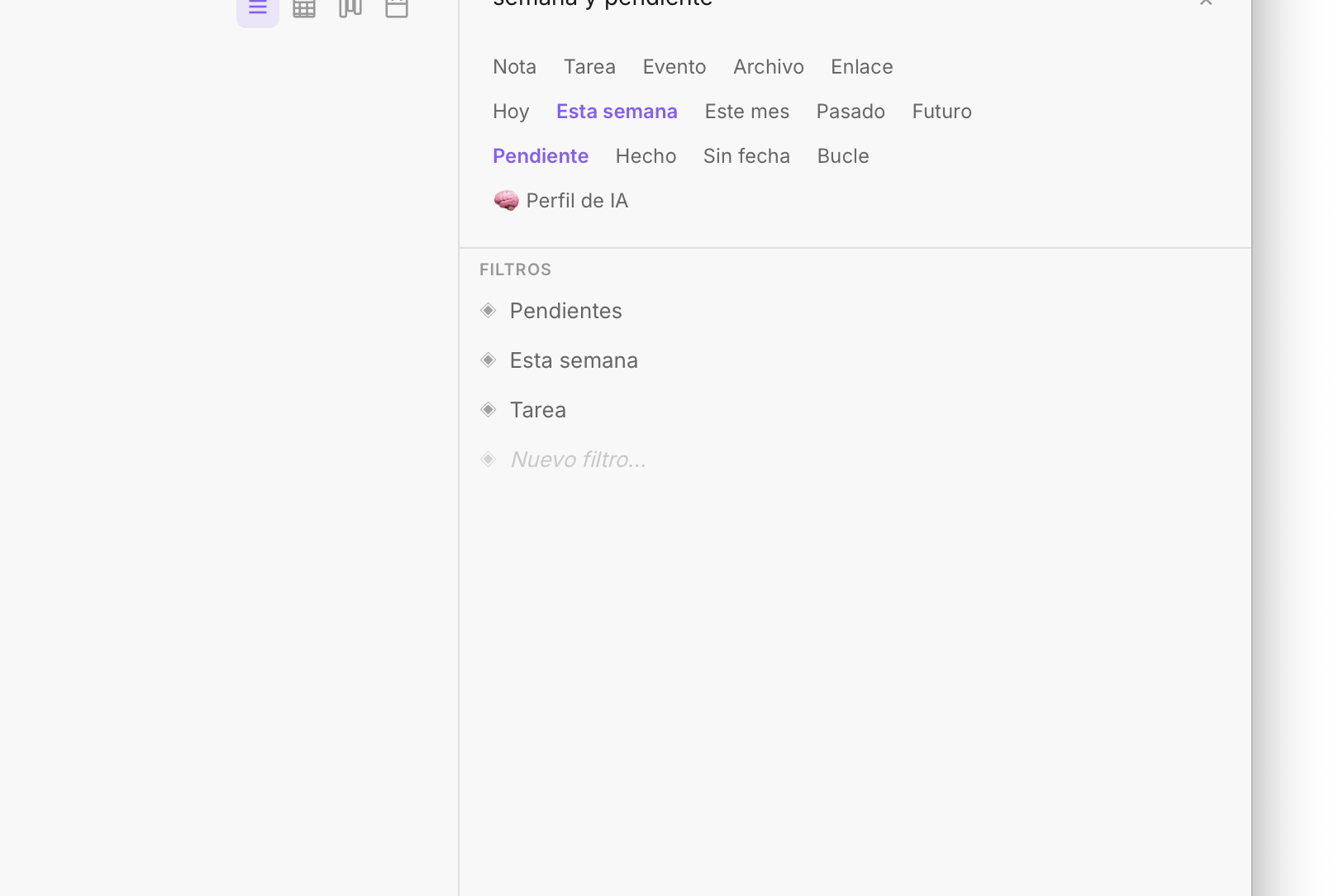
Fromly's sidebar keeps your most-used entries one click away — but the shortcut gets you there even faster.
How to set it up: step by step
This takes about three minutes. Here's the exact process:
- Open Shortcuts on your Mac (search it in Spotlight). Click the + button to create a new shortcut.
- Add the action "Open URL". In the URL field, enter the Fromly capture URL scheme:
from://capture. This tells your Mac to open Fromly's quick capture window directly. - Assign a keyboard shortcut. In the shortcut settings (top right), click "Add Keyboard Shortcut" and press the key combination you want. A good choice: ⌘ + Shift + Space or ⌥ + C — something fast and not used by other apps.
- Name and save the shortcut. Call it something like "Fromly — Quick Capture" so it's easy to find.
- Test it. Open any app — your browser, a document, a Zoom call — and press your shortcut. Fromly's capture window should appear immediately on top.
That's it. You now have a system-level capture key that works everywhere on your Mac.
What Fromly does with what you capture
This is where Fromly is different from a generic notes inbox. When you type something into the capture window, Fromly doesn't just dump it into a flat list. It reads what you wrote.
Write "Call Marco tomorrow at 10" and Fromly detects it as a task with a date. Write a raw thought with no structure and it lands as a note in the chat, ready to be developed later. Fromly decides on its own which context each thing belongs to — you don't have to tag, categorize, or sort anything manually.
Frictionless capture doesn't mean capture without judgment. Every thought that comes in through the shortcut gets classified as a task, note, or event, and filed under its context — without you having to decide.
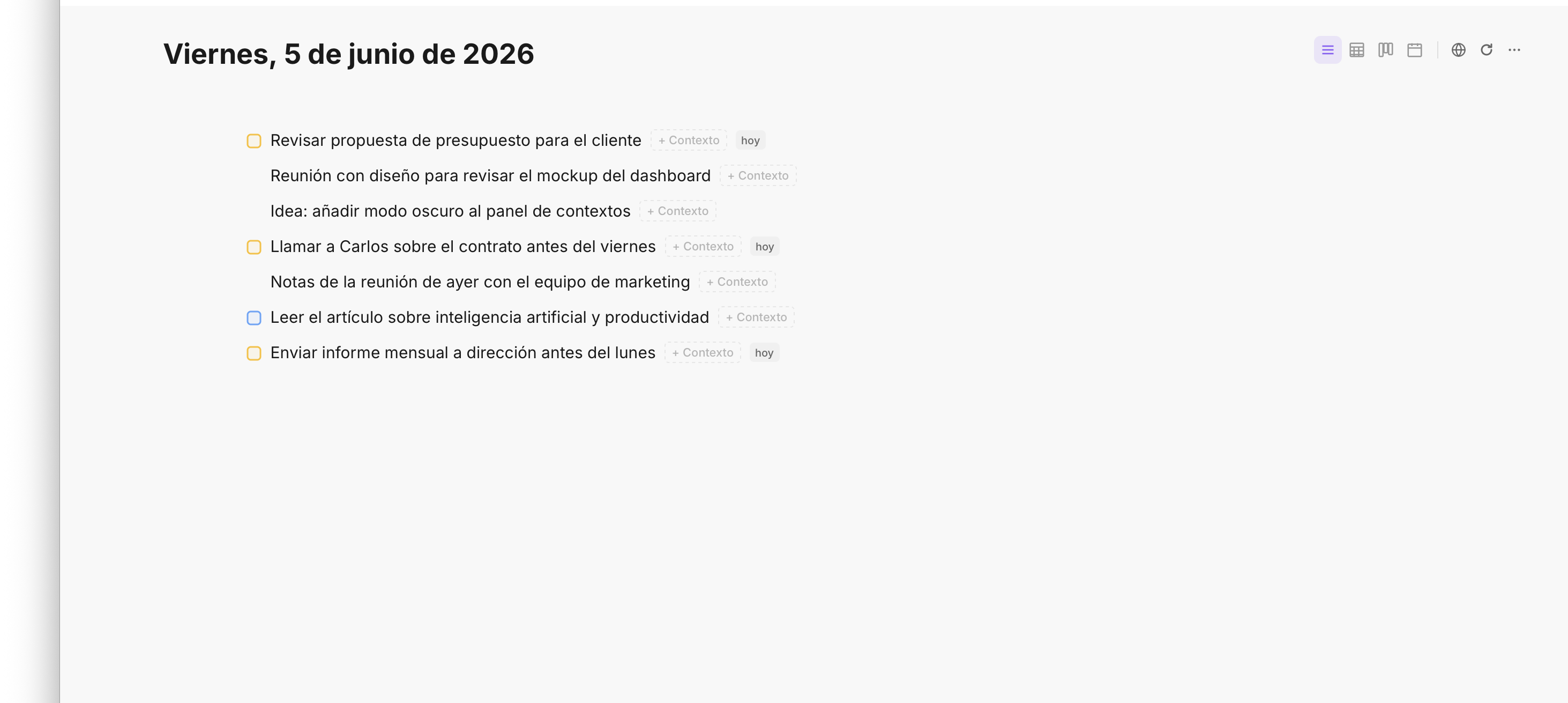
Fromly detects tasks, dates, and priorities from natural language — no tags or manual sorting required.
Everything you capture lands in your Today tab, where Fromly surfaces what's relevant right now: pending tasks, today's notes, things that need attention. Nothing gets buried in a folder you'll forget to check.
Why this matters more than it seems
Productivity systems tend to fail at the same point: capture. Not because people don't want to get organized, but because the effort of writing something down at the exact right moment is too high. It gets put off. And once it's put off, it doesn't happen.
A global shortcut removes that cost entirely. The effort goes from "I have to open the app, navigate to the right place, write, and save" to "press two keys, type, Enter."
The difference in real capture rate is massive. And a high capture rate means fewer things lost, less background stress, and more energy available to think about what actually matters.
Real-world scenarios where this matters
The shortcut is most valuable in the moments when switching apps feels impossible:
- During a video call. Someone mentions a deadline or a name you need to follow up on. Hit the shortcut, type it, done — without leaving the call window.
- While reading in the browser. An idea triggered by an article. The shortcut captures it in two seconds so you can keep reading.
- Between tasks. A thought surfaces while you're doing something else. Instead of breaking your flow to find the right place for it, you capture it and keep going.
- First thing in the morning. Before Fromly is even open, you press the shortcut and your first tasks of the day are in.
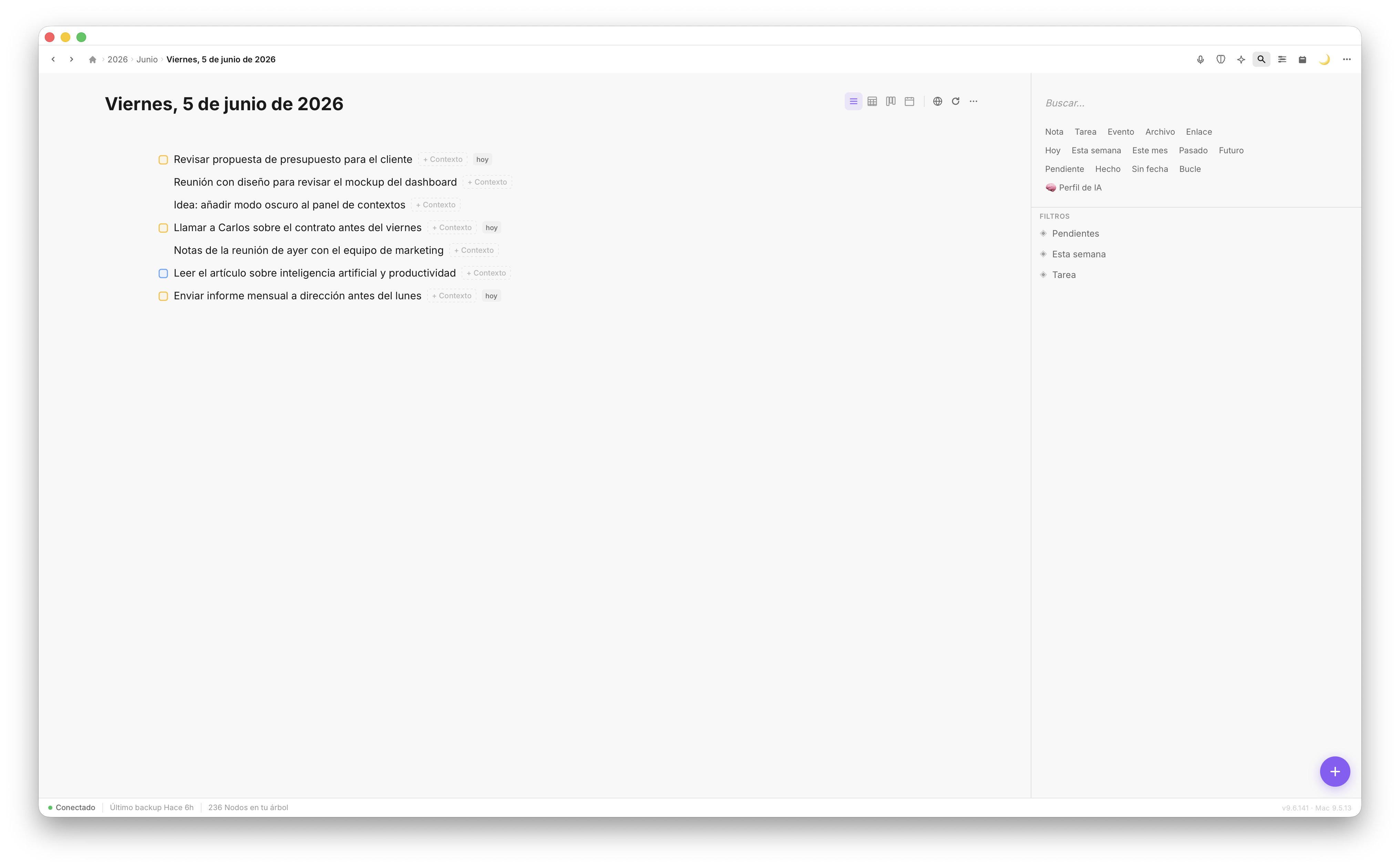
Everything captured during the day flows into your Today view — tasks, notes, and ideas in one place.
One key. Every app. No friction.
The Apple Shortcut + Fromly combination is one of those setups that sounds small but changes how you work day to day. You stop losing thoughts to the friction of switching apps. You stop breaking your focus to capture something that matters. And Fromly does the work of understanding what you wrote, so your inbox stays useful instead of becoming a dump.
Set it up once, use it forever. Your future self will thank you for the three minutes it takes today.