PDFs belong in your context — not in a separate app
You open the system's PDF viewer, add a few annotations, save it into some folder, and it... disappears from your flow. It's not next to the task, it's not next to what Fromly already knows about that topic, it doesn't show up when you ask Fromly about it. It lives somewhere else, in another app, on a different logic entirely.
Fromly collapses that gap. You don't drag a PDF into a folder tree — you drag it straight into the chat, or into whatever context you're already working in (a project, a client, a topic), and it sits there alongside your notes, tasks and events.
The real problem with PDF workflows
Think about how you actually use PDFs. A contract arrives. A research paper you need to review. A client brief. A scanned receipt. You open it in Preview or Acrobat, add some highlights, maybe type a note somewhere — and then that annotation lives inside the PDF file, disconnected from everything else you know about that project.
Later, you're looking at your notes on that project and you can't remember what you highlighted. You have to open the file again, scroll through it, find the annotation. That's friction that compounds over time.
The annotation is only useful when it's next to the context that makes it meaningful. Fromly keeps both in the same place.
How Fromly handles PDFs
Drag a PDF into the chat or into any context. Fromly recognizes it, stores it, and displays it in a real viewer — no export step, no separate app, no context switching. The document renders exactly as it is, with selectable text underneath.
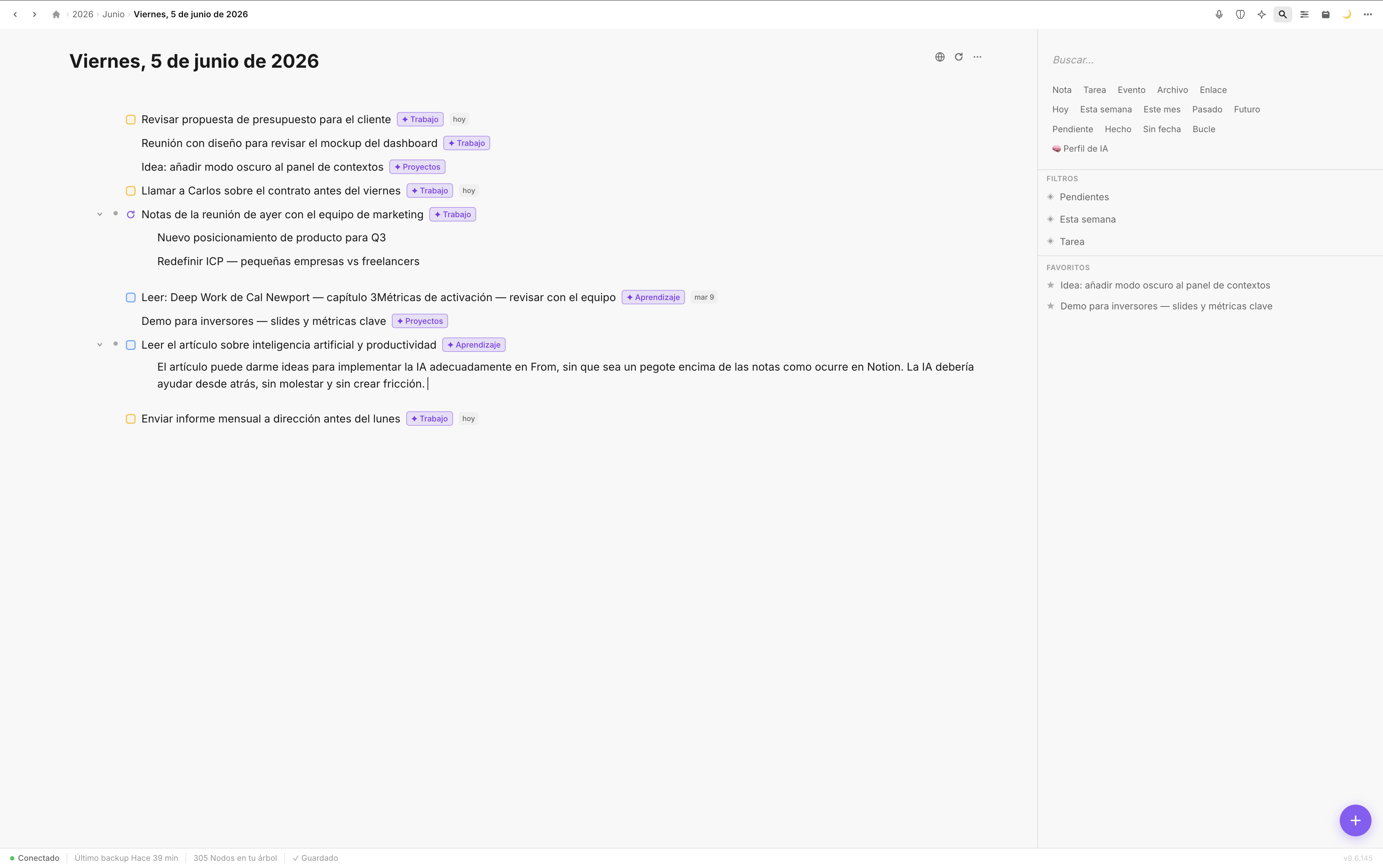
PDFs sit inside the context where they matter — the project, meeting, or topic they belong to.
Fromly supports two annotation modes:
- Text highlighting — select any passage and mark it. It's saved persistently as part of the document: the text stays real, selectable and searchable, not a separate layer that breaks or gets lost.
- Region crop — mark any area of the page (a table, a chart, a signature, a whole clause) and Fromly crops it into a standalone image you can keep in the context or carry elsewhere in your work.
Everything syncs across your devices. Open the same context on your Mac in the morning and on your iPhone in the afternoon — the highlights and crops are there, exactly as you left them.
Concrete example: reviewing a client contract
You receive a contract for a new project. Instead of opening it in a PDF reader and keeping notes somewhere else, you drag it directly into the context you already have for that client. It sits right there, alongside your meeting notes and the task list you created for onboarding.
You highlight the payment terms clause. You crop the liability paragraph as an image so you have it at hand without opening the whole document. You keep working.
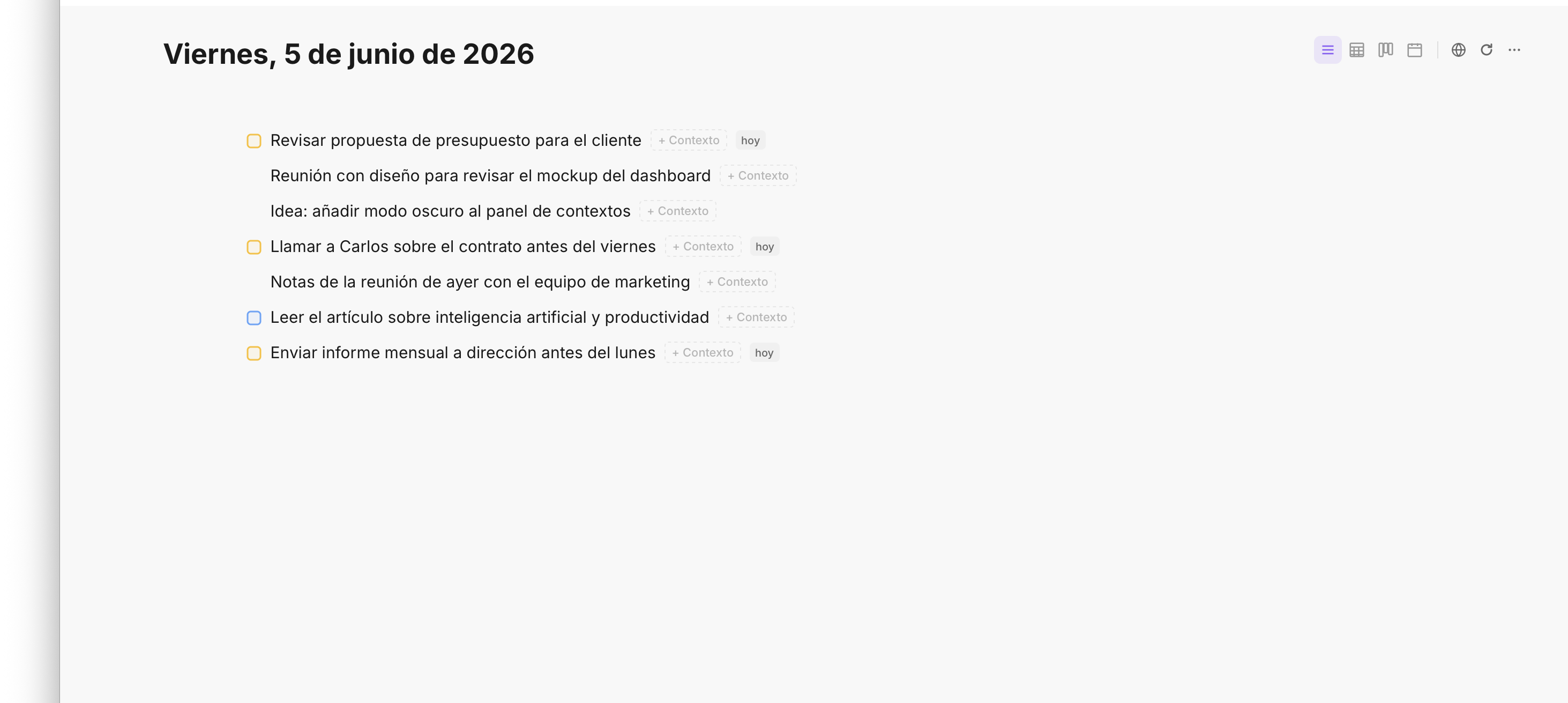
Annotations connect directly to the tasks and notes in the same context — no context switching.
Now that annotation isn't just a mark on a file. It's part of your client context. When you come back to it next week, you see the contract, the highlight, the crop, the task you created based on it, and the meeting notes — all in one place, all in order.
How to use annotatable PDFs in Fromly
- Drag the PDF into the chat or the context where it belongs. Fromly stores it instantly.
- Open it to launch the real viewer. The document renders inline in the panel — no app switching.
- Select text to highlight it, or mark a region of the page to crop it as an image.
- Annotate as needed. All marks are saved automatically in real time.
- Close the viewer when you're done — the element is marked as an annotated resource inside the context.
No save button. No export step. Fromly handles persistence automatically, the same way it does everywhere else.
Why this matters
If you work with documents regularly — contracts, research, proposals, reports — the cost of context switching is real and it compounds. Every time you leave Fromly to open a PDF reader, you break your flow. Every highlight that lives inside a file instead of inside your context costs you time when you need to find it again.
Fromly's approach is to treat PDFs as first-class elements of a context, not attachments. And because everything you upload gets indexed automatically, you can ask Fromly about the content of a PDF in chat weeks later, not only right after you uploaded it. The document is part of your thinking, not a file you reference externally.
Annotations are only valuable when they're retrievable in context. Fromly makes that automatic — not something you have to organize manually.
Conclusion
Annotatable PDFs in Fromly eliminate the split between where you keep documents and where you do your thinking. Drag the file in, highlight or crop it where it lives, and let Fromly keep everything synced and in place. Your PDF is part of your context — and that's exactly where it should be.