In this article
What a second brain is and why you need one
The concept of a "second brain" or Personal Knowledge Management (PKM) has been circulating in productivity circles for years. The idea is simple: your biological brain isn't built to store information, it's built to process it. When you try to simultaneously remember passwords, dates, book titles, task lists, and important conversations, performance drops.
The solution is to offload that cognitive burden to a digital system. A second brain is that system: it captures everything that comes in, organizes it with structure, and surfaces it when you need it.
The problem with most note apps is that they require too much configuration to be useful. Notion has an enormous learning curve. Obsidian requires plugins and manual management. Roam Research is powerful but chaotic to start with. And nearly all of them share the same flaw: to save something, you first have to decide where it goes.
Fromly solves the "how" differently: a central chat that understands natural language. You don't navigate a folder tree to save an idea — you tell it to Fromly, the way you'd tell an assistant, and it decides where it lives, classifies it into its context, and updates what it knows about that topic.
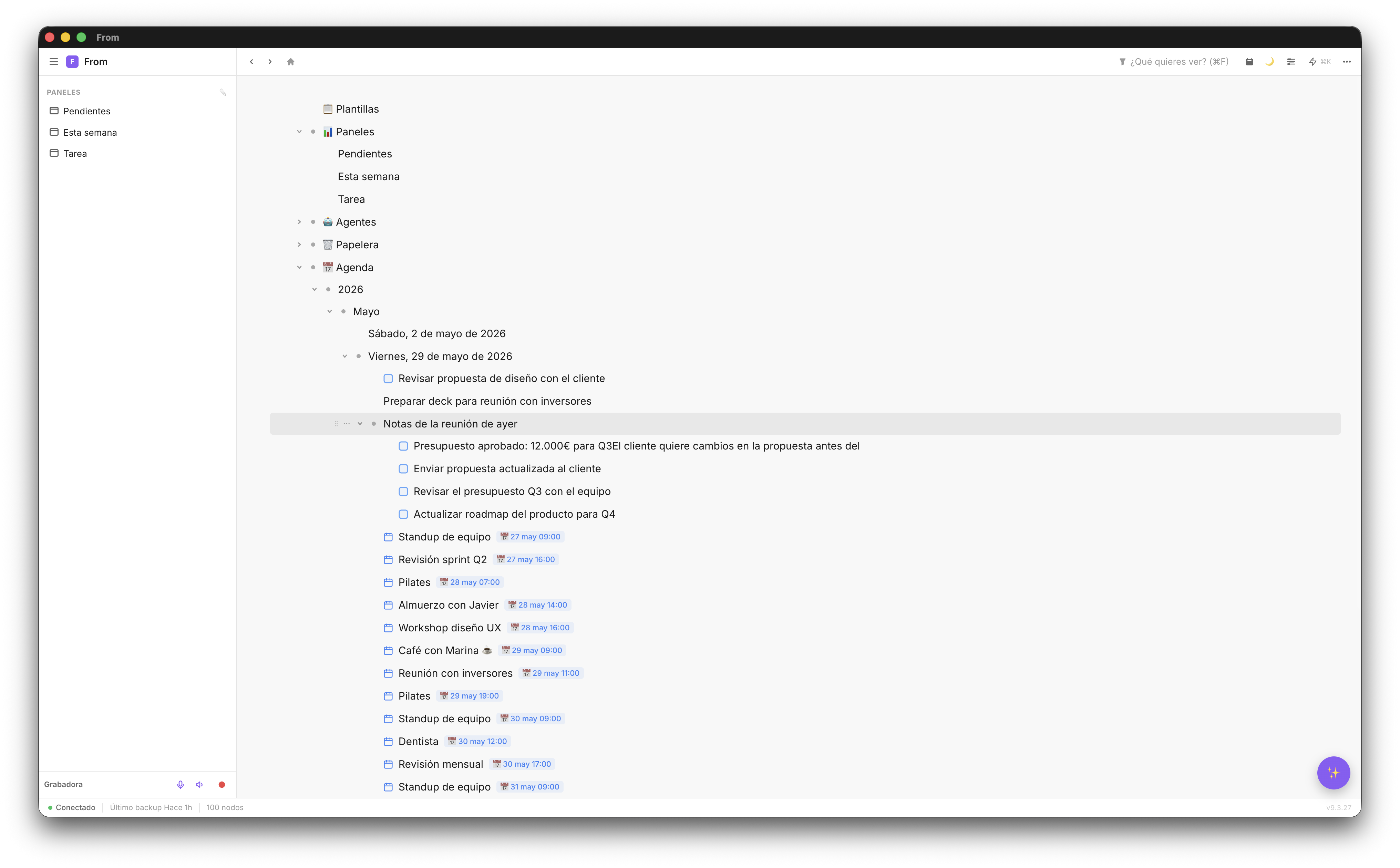
The base structure: contexts, not folders
You don't need a perfect structure to start. You need one that's good enough to maintain without effort. In Fromly, that structure is contexts: Areas (the big, always-active blocks of your life — "Work", "Personal") and Projects (subcontexts with an end date, archived once they're done).
- Areas — The permanent blocks: work, home, health, each of your ongoing responsibilities
- Projects — Everything with a concrete outcome, archived once finished
- One context per note or task — Everything you save belongs to a single context, not a list of tags
Each context builds its own memory: a living document, "What Fromly knows", that updates itself every time you save something relevant there. You don't have to explain it twice — Fromly decides what's significant and folds it in.
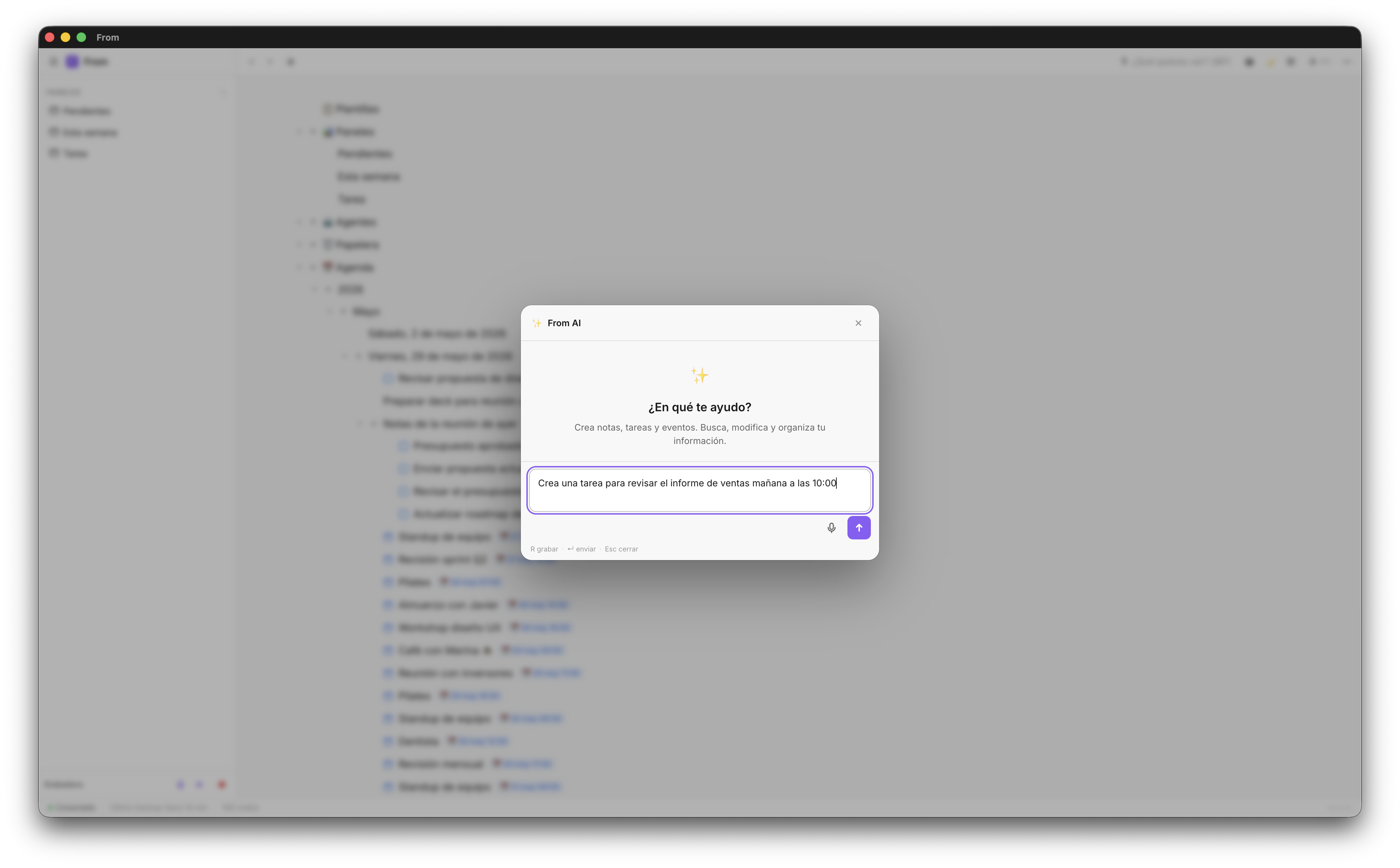
💡 Tip: Write in the chat "create the contexts Work and Personal, and inside Work a project for each active client" and confirm. Done in seconds.
Quick capture: talking to your central chat
A second brain only works if capture is fast. If you have to think about where to save each thing, the system gets abandoned within a week. In Fromly, everything goes through the same place: the central chat.
Write
Write what you need in natural language — "remind me to call Ana on Monday", "note that the client wants to change the scope", "summarize my day" — and Fromly creates the task or note, sets its date if you mention one, and classifies it in its context.
Attach
Drag a PDF, an image, or any file directly into the chat. Fromly uploads it, indexes it, and it's available to ask about whenever you want.
Record
Press Record in the chat header to capture a meeting or a voice note. Fromly transcribes with Whisper and shows you the live transcription as you speak.
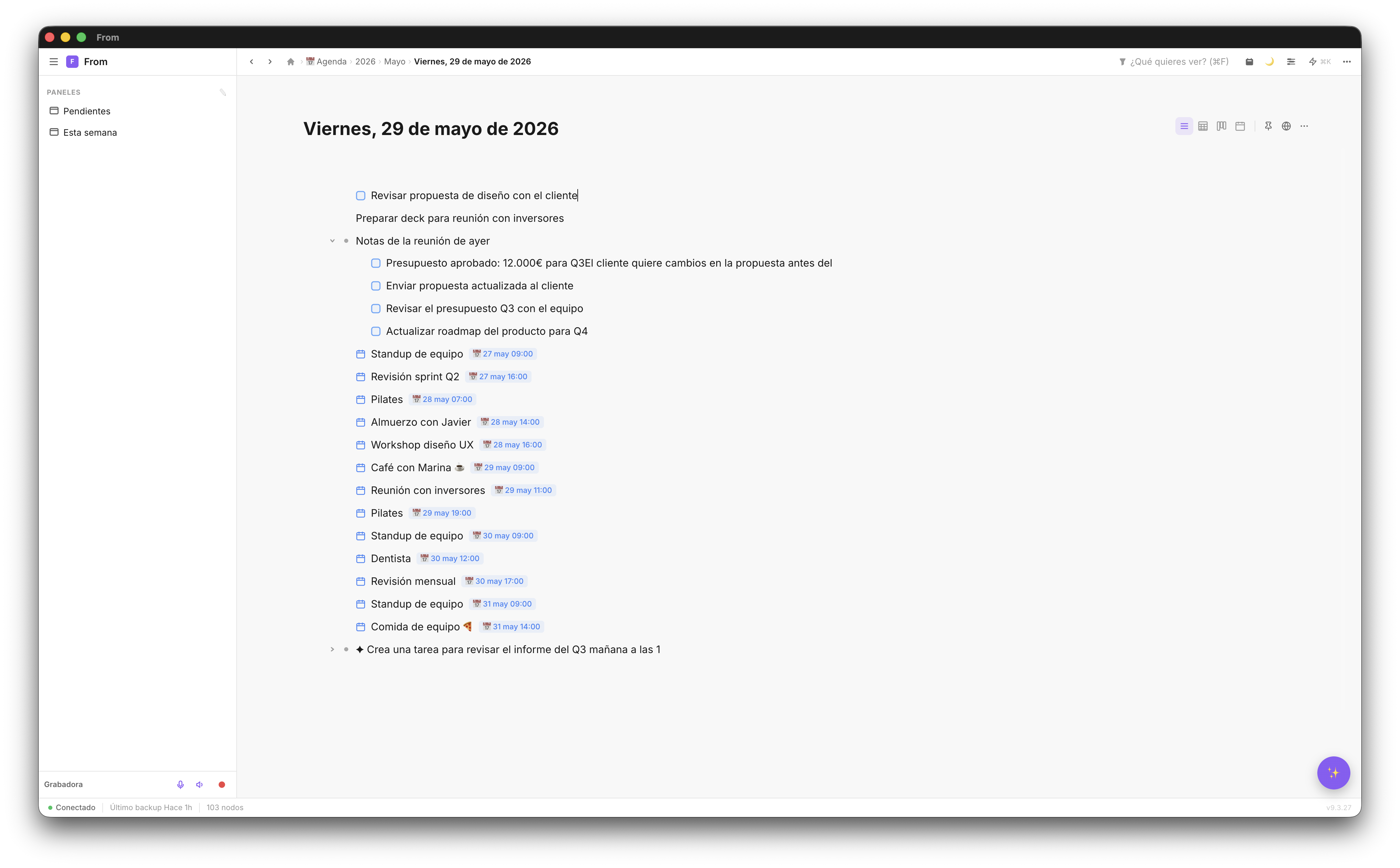
Search and retrieval: ask instead of search
A useless second brain is one where you save things but can't find them. Fromly automatically indexes everything you upload or write (real semantic search, not just keyword matching), so you can simply ask it.
Just write it directly in the chat: "search my notes about project X", "what did we decide in last week's meeting?", "what's pending in my learning list?". Or if you'd rather browse yourself, the Elements tab in the right column is the search for everything you've saved.
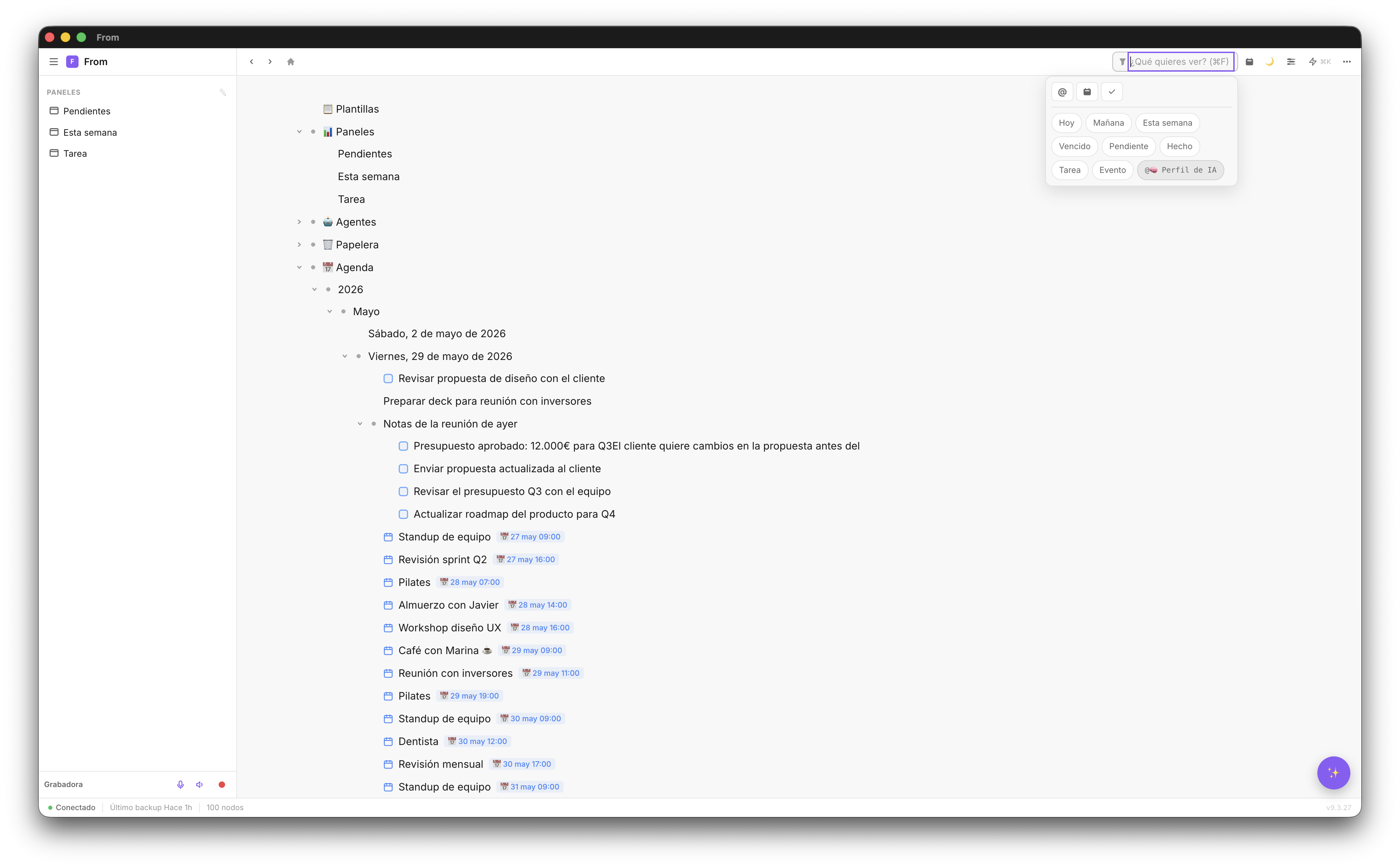
The Today tab gives you the day's agenda and the Agenda tab any day on the calendar. You don't need to remember where you saved something — just ask.
AI as the system itself, not a separate assistant
The difference between Fromly and a classic notes app is that the AI isn't a side panel you check now and then: it's the main way you use the product. It knows what you've saved and can act on it.
Practical use cases for the AI-powered second brain:
- Process meeting notes — "Extract the tasks from today's meeting and assign them to the relevant projects"
- Summarize learning — "Summarize the key points from my notes on the book I'm reading"
- Connect ideas — "Is there any connection between my marketing notes and my product notes?"
- Plan — "What do I have pending this week and in which projects?"
For recurring work, you can go a step further with Agents: nodes with their own instruction, sources, and schedule (on open, daily, weekly), that leave the result of each run as a document hanging off the context.
🧠 Key point: Fromly's AI doesn't make things up — it works with your real information. The more you use it, the more useful it becomes because it has more context about you and your projects.
The 10 minutes to set it up
No fluff. Here's what you do:
- Create an account in Fromly at fromly.app — free, no card needed
- Open the central chat, already waiting for you in the middle of the screen
- Write: "create the contexts Work and Personal"
- Confirm — the contexts are created in seconds
- Write your first thought of the day — an idea, a task, whatever, in natural language
- Ask it something — "what do I have pending today?" — to check it's already listening
In ten minutes you have a working system. The key isn't perfection — it's consistency. Every day you open Fromly and write something, the system becomes more valuable.